
How to Collect Wedding Photos From Guests Without Chasing Everyone
Learn the simplest way to collect wedding photos from guests, avoid the usual upload chaos, and choose a flow people will actually use.
Wedding photo workflow editor
Key takeaways
- The simplest way to collect wedding photos from guests is one QR code that opens a no-app photo flow during the wedding.
- Plans that depend on guests uploading later get low completion; collect while the moment is happening.
- Pair the QR code with a short instruction and several placements, and choose a live gallery or a delayed reveal deliberately.

Most couples do not have a shortage of wedding photos. They have a shortage of usable guest photos gathered in one place.
That difference matters. If the system is slow, confusing, or easy to forget, guests default to what they already do: keep photos on their phone, send a few in a group chat, and promise to share the rest later.
The cleanest setup is usually the one with the fewest decisions:
- Guests join fast.
- They can take photos in the moment.
- The photos land in one place automatically.
- You do not have to chase anybody the next day.

What actually works best
The strongest guest-photo workflows usually share the same characteristics:
- No login wall at the moment of capture
- A visible QR code at the venue
- Clear instructions in one sentence
- One destination for every photo
- A reason for guests to participate early, not later
That is why QR-led systems outperform “send us your photos after the wedding” requests. Guests are most motivated during the event itself, not on Monday morning.
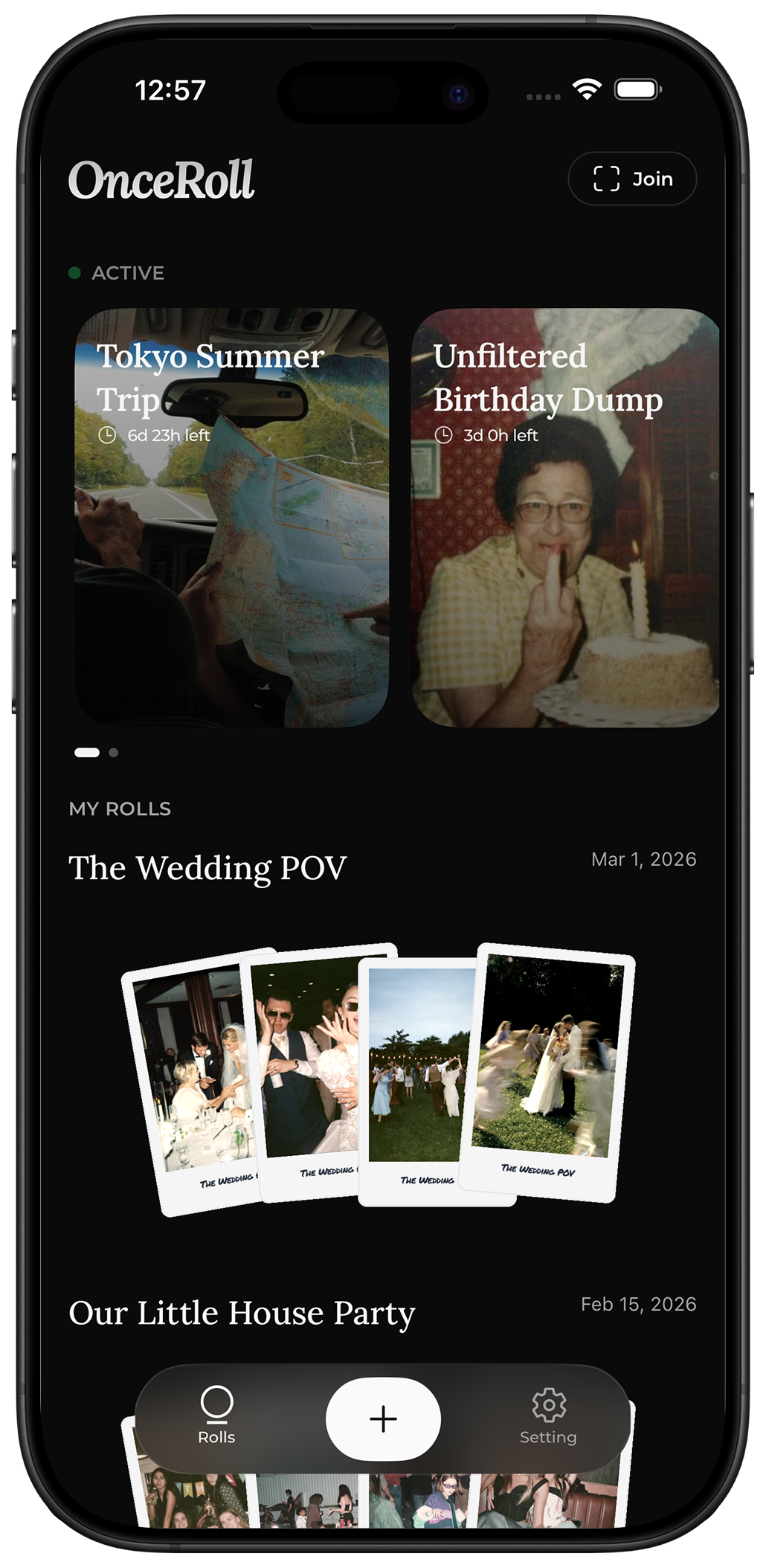
If you want a structured version of that flow, OnceRoll is designed around the exact problem. Guests join from a QR code, do not need the app, and photos can stay hidden until the reveal later. That keeps the experience simple for guests and more intentional for you.
Your practical setup checklist
Use this checklist before the wedding:
- Choose one collection method only.
- Create a short display line such as:
Scan the code and add to our wedding camera. - Print the QR code large enough for guests to scan from a table or sign.
- Place the code at the entrance, bar, guestbook table, and near the dance floor.
- Add one mention in the MC or DJ notes.
- Ask one trusted friend to seed the behavior by using it early.
- Test the full flow on two different phones before the wedding day.
- Decide whether you want live viewing or a delayed reveal.
The “one method only” part is the one couples skip most often. The minute you offer AirDrop, text, email, Drive, Dropbox, and a QR code at the same time, your collection rate drops.
The four main options couples usually consider
1. Group chat or text thread
This works for very small weddings and falls apart fast after that.
The problems are predictable:
- image quality gets compressed
- videos become annoying to send
- the thread becomes impossible to search
- some guests never post because they do not want to spam everyone
2. Shared album links
Shared albums are familiar, but they still ask guests to leave the moment and think about uploading. That is friction. It may be low friction, but it is still friction.
They also tend to create an uneven result: a few organized guests upload a lot, most guests upload nothing.
3. Disposable cameras
They are fun, but they add cost, development time, and uncertainty. You do not know what you got until much later, and the photo count is capped by the number of physical cameras you can hand out.
4. QR-based digital guest photo tools
This is usually the best balance if your priority is participation and convenience. A good QR-based setup lets guests join instantly and keeps the action inside the event instead of turning the next day into an admin task.
What usually goes wrong
These are the most common collection failures:
The instructions are too long
If a guest has to read more than a short line, you already lost a chunk of participation.
The QR code is only in one place
Guests do not all arrive, sit, and move through the room the same way. A single sign near the entrance is not enough.
The couple asks for uploads after the wedding
After-event requests sound reasonable, but they fight human behavior. The urgency is gone. People are traveling, resting, or back at work.
Guests need to install something
Every extra step costs participation. Requiring an app download for every guest is often the biggest drag on completion.
There is no prompt to take photos
A system with no nudge gets ignored. Guests need at least one moment where the host, planner, DJ, or signage tells them what to do.
A simple recommended flow
If you want the highest chance of success, use this order:
- Put the QR code in multiple locations.
- Mention it once at the start and once before the dance floor gets busy.
- Give guests a clear reason to use it immediately.
- Keep the interface lightweight enough that people can join in seconds.
- Collect everything into one final gallery or reveal moment.
The reveal-later format is especially useful because it changes the psychology. Guests are not just “uploading photos.” They are contributing to a shared roll that becomes part of the wedding experience itself.
Use the same wording everywhere. If your sign asks people to “share a favorite moment,” do not change the request to “upload your camera roll” in a follow-up message. One clear invitation makes it easier for guests to act while the day is still fresh.
FAQ
Should we ask guests to upload after the wedding instead?
Only as a backup. If your primary plan depends on people remembering later, expect low completion.
Are QR codes enough on their own?
No. A QR code works best when paired with a short instruction and multiple placements around the venue.
Is a live gallery better than a delayed reveal?
It depends on the tone you want. Live galleries feel practical. Delayed reveals feel more intentional and playful.
Do we still need a professional photographer?
Guest photos and professional photography solve different problems. A photographer captures the planned story well. Guests capture the room, the candids, and the perspectives you never saw.
Final CTA
If your priority is collecting more wedding guest photos with less follow-up, keep the workflow brutally simple. OnceRoll is built for that exact job: QR join, no guest app, shared digital disposable camera energy, shot limits, and a reveal-later format that gives the whole system a reason to exist.
Start with one clear guest-photo workflow, make it visible, and let the room do the rest.
Related reading
Keep building the rest of the workflow
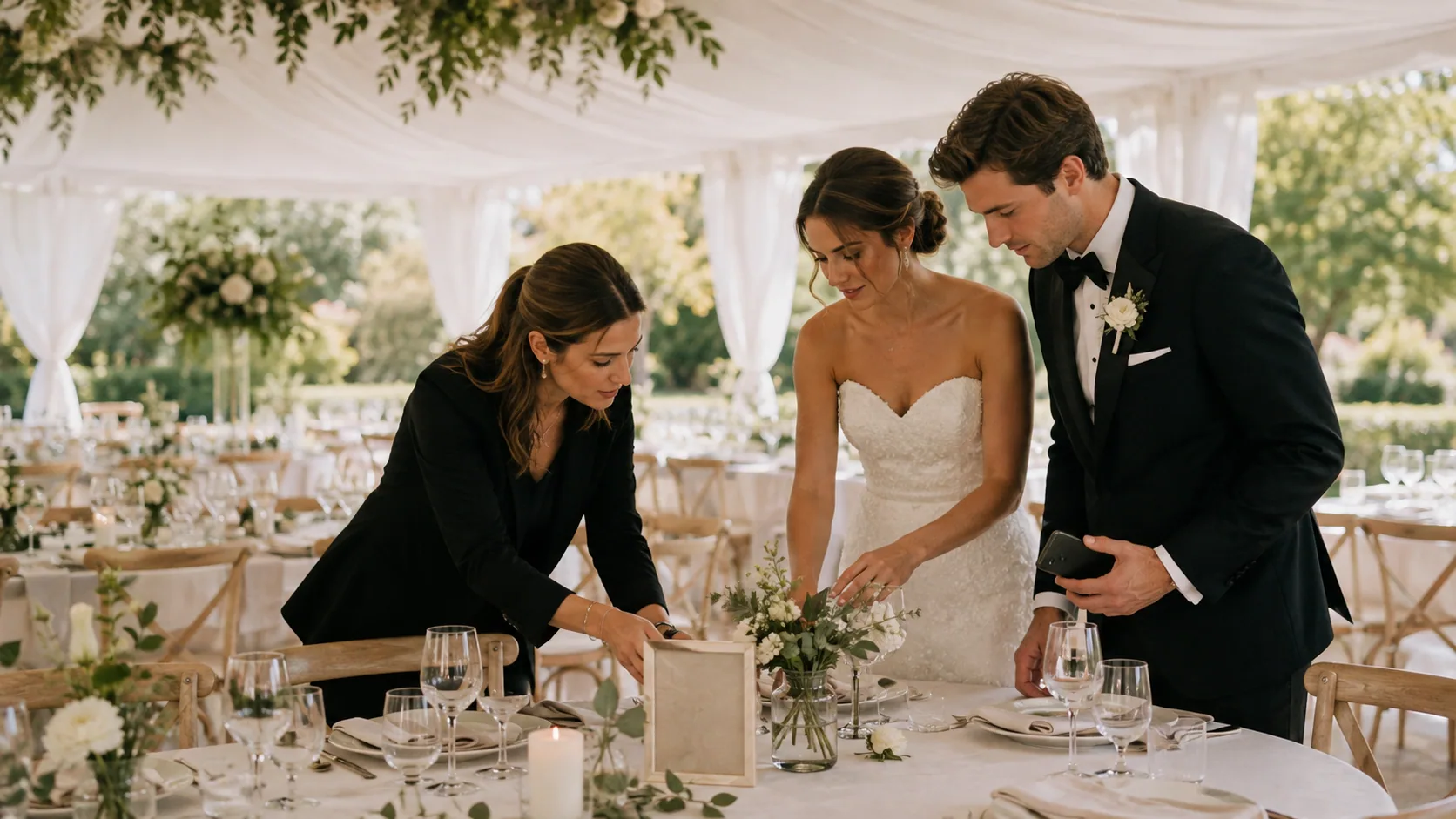
Wedding Photo Sharing Checklist: A Simple Plan Guests Will Follow
A good wedding photo plan needs one guest action, a few well-timed reminders, and a test before the day begins.

Wedding Weekend Photo Sharing Without Five Different Albums
A wedding weekend creates more candid photos than the wedding day alone. Here is how to collect them without scattering everything across texts, albums, and forgotten links.
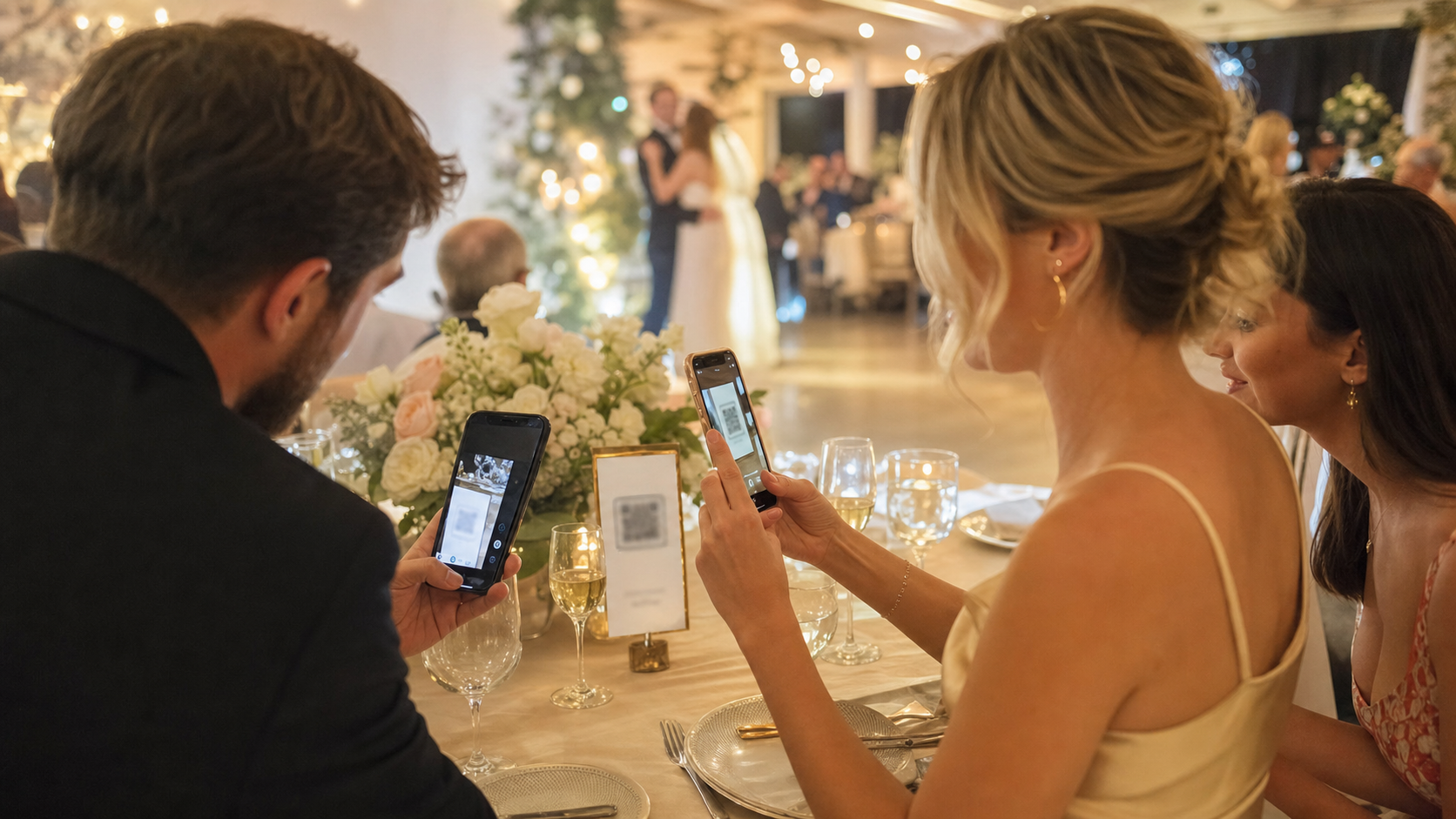
No App Wedding Photo Sharing: How to Get More Guests to Join
Guests are more likely to share wedding photos when the flow opens instantly. Here is how no app wedding photo sharing works and how to set it up without losing participation.