


Photo Guestbook
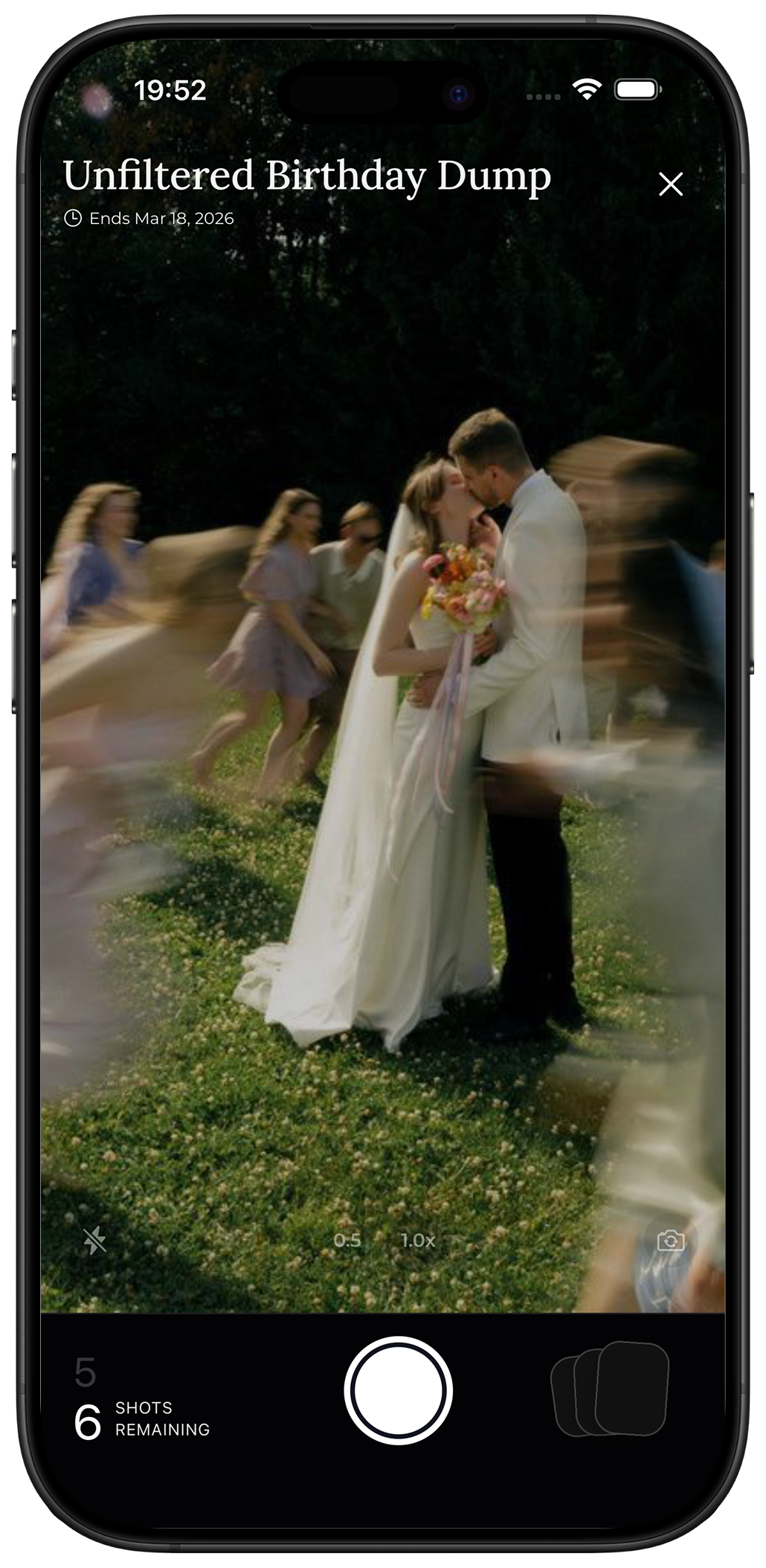
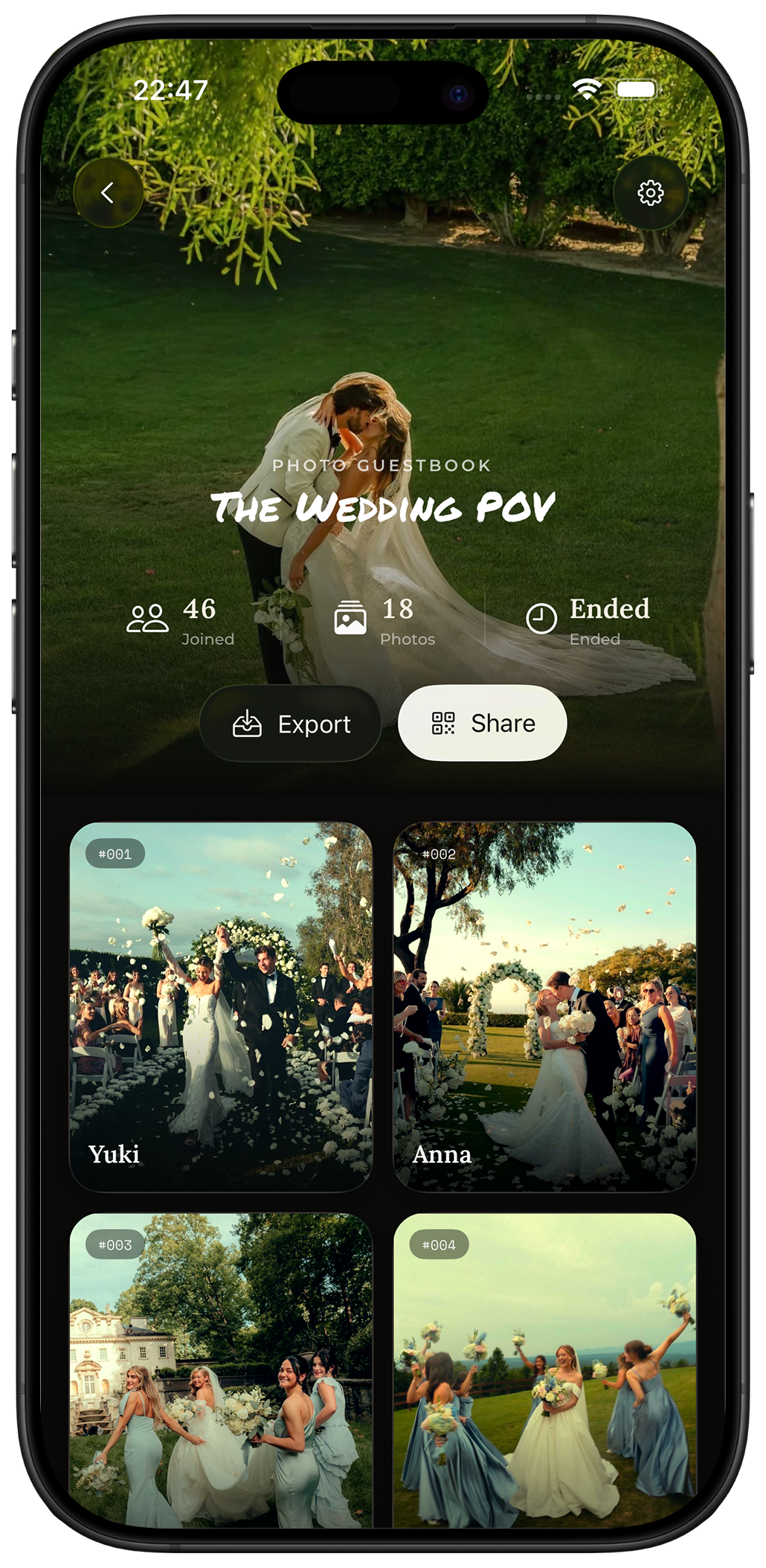
The moments your guests see.
Let guests capture candid moments from every angle from the big moments to everything happening in between.
- Candid photos
- Film-inspired presets
- Shot limits
Digital guestbooks for real-life moments
A shared digital guestbook to collect all the moments from your event. Guests join by QR code to capture photos, leave video or voice messages on their phone, no app download required.
No guest app · No signup · Private collection
Choose your guestbook
Give your guests a simple way to capture the experience. Choose Photo, Video, or Voice or create multiple guestbooks for the same event.
One format per guestbook · Multiple guestbooks per event
Photo Guestbook
Let guests capture candid moments from every angle from the big moments to everything happening in between.
Video Guestbook

Collect congratulations, funny messages, spontaneous clips, and little moments you'll want to watch again.
Voice Guestbook

Let guests leave a toast, story, reaction, or heartfelt message in their own voice.
How it works
Create the experience once. Share it with your guests. Then discover everything they captured when the time is right.
Choose Photo, Video, or Voice guestbook and set up your event.
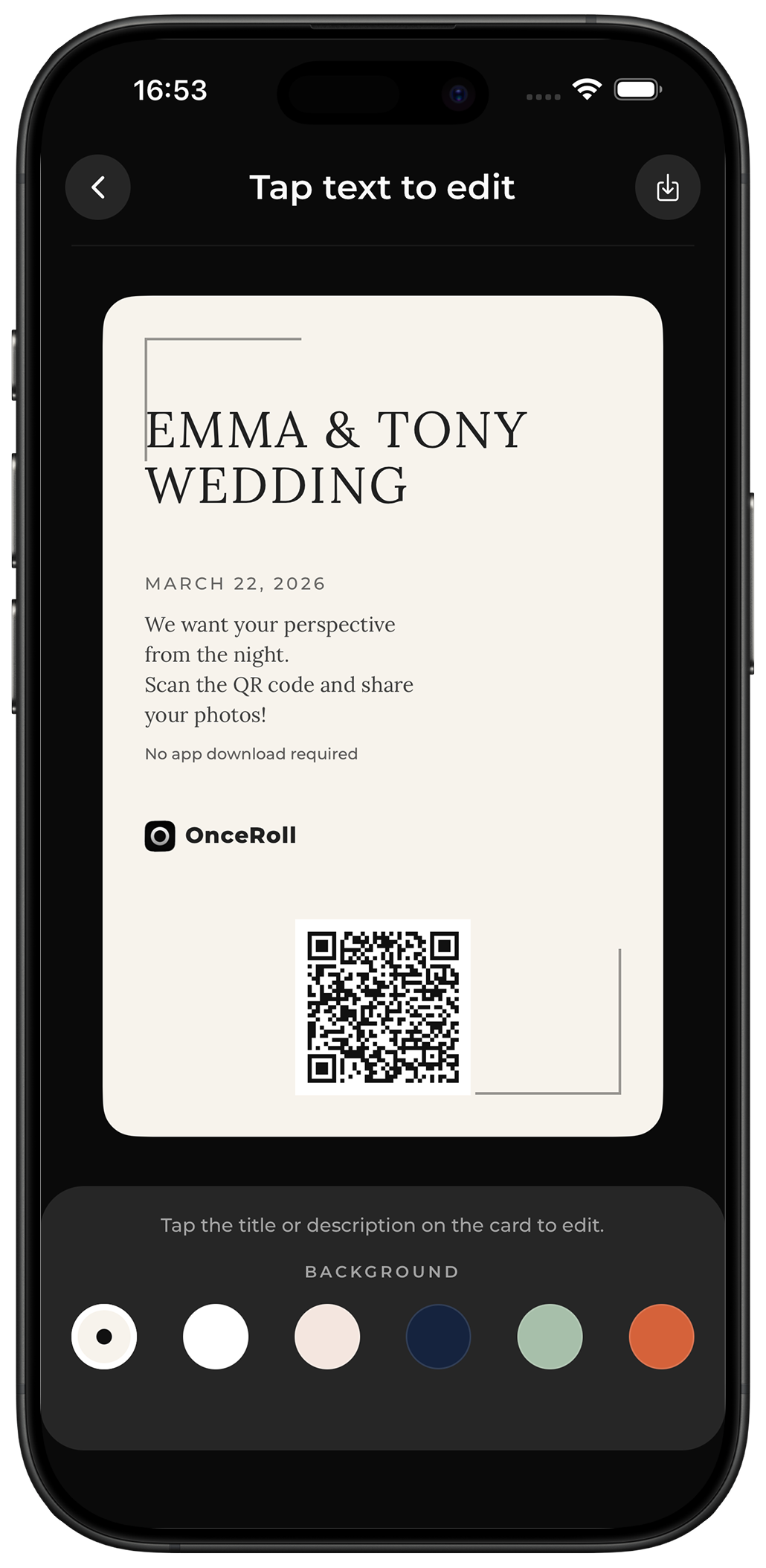
Add it to an invitation, table card, event sign, or simply send the link to your guests.
Guests scan and contribute from their phones. No app download or account required.
When you're ready, reveal the collection and see your event through the eyes of your guests.
Why OnceRoll
The host sees one part of the day. Your guests see everything else. OnceRoll brings those perspectives together in one private collection.
Photos, videos, and voice messages stay hidden until your chosen reveal time.
Guests simply scan a QR code and contribute from their phone. No app or account required.
Choose the format, event window, reveal time, contribution limits, and message duration.
Bring together the candid moments, messages, and voices that make your event uniquely yours.
Made for your moments
OnceRoll gives your guests a simple way to capture the moments you might otherwise miss—wherever the celebration happens.
Capture the moments between the big ones: getting ready, the reception, the dance floor, funny guest messages, and the voices you'll want to hear again.
From the App Store
Real stories from people who let their guests capture the celebration.
“The MOST FUN for wedding weekends”
We used this for our guests traveling into town for our wedding and all of the events throughout the weekend. The results were INCREDIBLE. Highly, highly recommend!
“WORTH IT!!!”
We got hilarious and beautiful guest photos all day. It was easy for everyone to use, even our older guests.
“BEST APP EVER INVENTED”
The day after our wedding, we were emotional looking through moments we never would have seen otherwise. Highly recommend it for special events.
FAQ
OnceRoll is simple for guests and gives you control over the entire experience.
OnceRoll is a digital guestbook for weddings, parties, trips, birthdays, and other special events. Guests can contribute photos, video messages, or voice messages from their phones, and you can reveal the collection later.
You can create a Photo, Video, or Voice Guestbook. Each guestbook focuses on one format, and you can create multiple guestbooks for the same event.
No. Guests simply scan your QR code or open your link in their mobile browser. They don't need to download the app or create an account.
Yes. Guests can contribute from modern iPhone and Android browsers. The OnceRoll app is used by the host to create and manage guestbooks.
No. Contributions stay hidden until the reveal time you choose, giving you a chance to discover everything together.
OnceRoll works for weddings, engagement parties, birthdays, trips, house parties, reunions, brand events, and other moments worth remembering.
Make every moment count
Create a Photo, Video, or Voice Guestbook for your next event and discover the moments you would have otherwise missed.