
QR Code for Wedding Pictures: How to Get More Guest Photos
A QR code for wedding pictures only works if the flow after the scan is friction-light and obvious. Here is how to set it up correctly.
Wedding photo workflow editor
Key takeaways
- A QR code for wedding pictures only works if what opens after the scan is obvious and needs no app or account.
- Use direct sign wording, one destination for the whole wedding, and duplicate the printed code in several places.
- Mention the QR code out loud at a natural moment; a sign alone is easy to miss.

A QR code does not collect wedding photos by itself. It only opens a door.
What matters is what happens in the five seconds after a guest scans it.
If the destination is confusing, asks for too much, or feels optional, the QR code becomes decoration. If the destination is fast and obvious, it becomes the highest-leverage tool in your guest-photo setup.
Why QR codes work so well at weddings
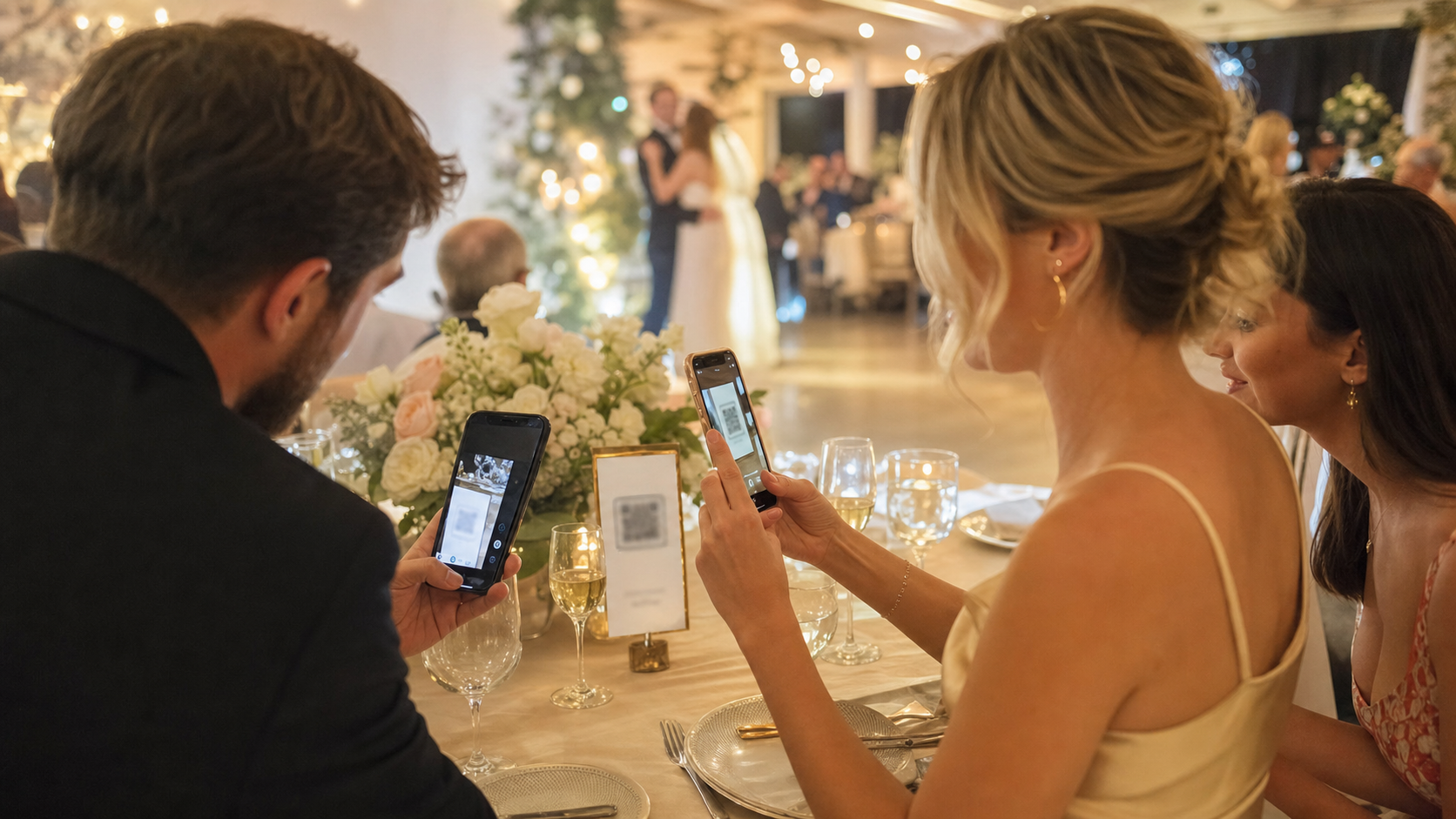
Guests are already moving through the event with a phone in hand. A QR code fits that behavior perfectly:
- no need to remember a URL
- no need to ask the couple where to upload
- no need to wait until after the event
It works especially well for weddings because the room has natural touchpoints: welcome signage, bar areas, table numbers, guestbook tables, and dance-floor transitions.
What your QR code should lead to
The best destination is not a generic upload page. It should feel like a clear event action.
After scanning, the guest should immediately understand:
- this is the couple’s wedding photo space
- how to join
- what happens after they take photos
That is where purpose-built tools outperform one-size-fits-all uploads. OnceRoll, for example, uses the QR code to drop guests into a shared event camera flow. They join quickly, do not need the app, and contribute to a reveal-later roll instead of a messy afterthought folder.
The wording that gets more scans
Most QR wedding signs fail because the message is passive. “Upload photos here” is functional, but it does not invite action.
Use language that tells guests what they are joining:
Scan to add to our wedding cameraCapture the wedding from your viewScan to join our shared photo rollHelp us see the night through your eyes
That wording is better because it explains the role, not just the task.
Your placement checklist
- Put one large QR sign at the entrance.
- Put a second one near the guestbook or welcome table.
- Add one at the bar where people naturally pause.
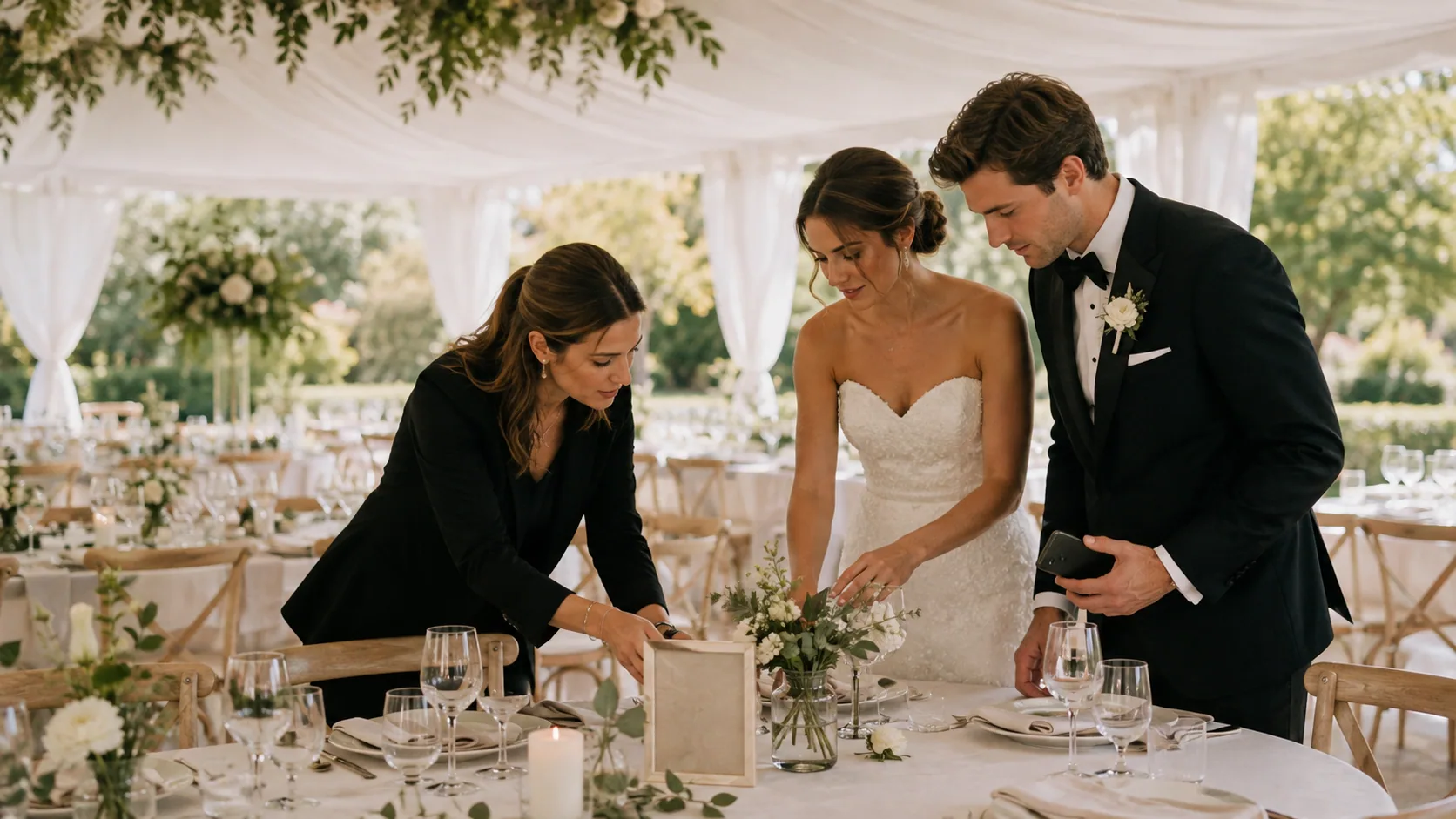
- Put small table cards where guests will actually sit long enough to notice.
- Add one near the dance floor after dinner starts.
- Test every sign from standing distance, not just up close.
- Keep the instruction line under ten words if possible.
The important point is repetition without clutter. A guest should encounter the QR code naturally more than once.
What usually goes wrong
The destination is too slow
If the page loads into a login wall or asks for setup before the guest understands the point, scans turn into drop-off.
The sign design hides the action
Beautiful signage is fine, but the QR code and its message need visual priority.
The code is too small
If guests have to lean in or wait for perfect lighting, they will skip it.
The couple never mentions it out loud
One verbal prompt can materially increase participation. A QR code alone is silent. A host cue gives it momentum.
The best time to mention it
Use one short announcement early and one during a natural energy shift.
Good examples:
- right after guests settle in
- after dinner before the dance floor opens
- during the welcome speech if it fits naturally
You do not need to overdo it. You just need enough social proof for guests to understand that scanning is normal and encouraged.
FAQ
Should our QR code link to a shared album or a wedding photo app?
Link it to the flow you actually want guests to complete. If participation is the priority, a guest-photo system built for events usually converts better than a plain shared album.
Do guests need an app to use a QR code wedding photo system?
Not always. That is one of the most important distinctions to check before choosing your setup.
Can we use one QR code for the whole wedding?
Yes. In most cases one destination is best. Just duplicate the printed code in multiple places.
Is a QR code enough to replace a wedding photographer?
No. It solves guest participation, not formal coverage.
Final CTA
If you want more guest photos, do not just print a QR code. Build a flow worth scanning. OnceRoll is designed for exactly that: QR entry, no guest app, shared roll participation, shot limits, and a reveal-later payoff that makes the scan feel like part of the wedding.
Related reading
Keep building the rest of the workflow
Wedding Photo Sharing Checklist: A Simple Plan Guests Will Follow
A good wedding photo plan needs one guest action, a few well-timed reminders, and a test before the day begins.

Wedding Weekend Photo Sharing Without Five Different Albums
A wedding weekend creates more candid photos than the wedding day alone. Here is how to collect them without scattering everything across texts, albums, and forgotten links.
No App Wedding Photo Sharing: How to Get More Guests to Join
Guests are more likely to share wedding photos when the flow opens instantly. Here is how no app wedding photo sharing works and how to set it up without losing participation.