
No App Wedding Photo Sharing: How to Get More Guests to Join
No app wedding photo sharing helps more guests contribute because they can scan, open, and capture without downloading anything during the reception.
Wedding photo workflow editor
Key takeaways
- No-app wedding photo sharing gets more guests to join because they can scan, open, and shoot in the browser without downloading anything.
- The host can still use an app; what matters is that the guest's first action is a single tap.
- Test the browser flow before the wedding and confirm the host can download full-quality photos afterward.
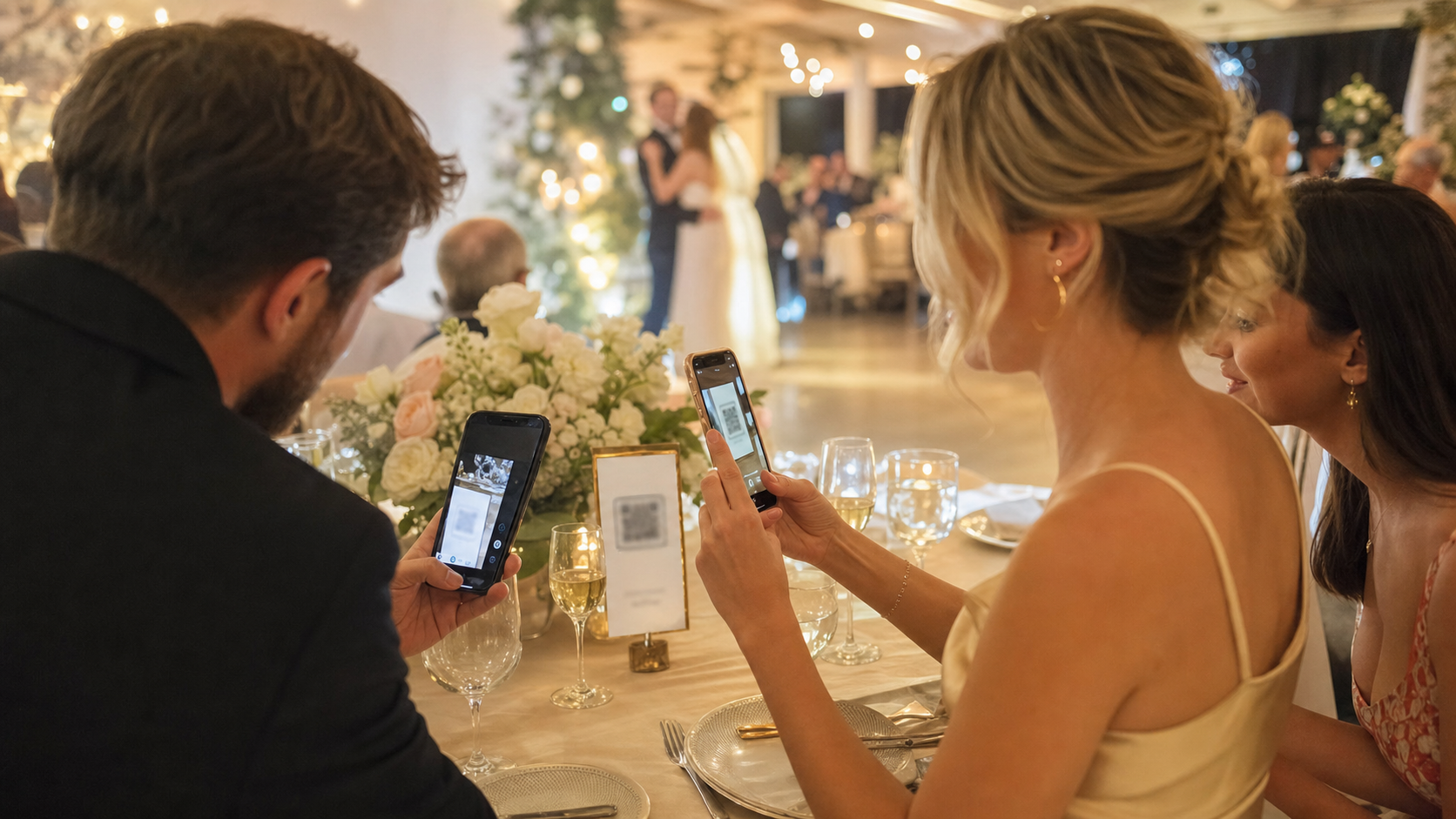
No app wedding photo sharing works because it respects the moment guests are in.
At a wedding, people are not sitting at a desk ready to complete a setup flow. They are holding a drink, talking to relatives, finding their table, or walking toward the dance floor. If your photo plan asks them to download an app before they can contribute, you lose people immediately.
That does not mean apps are bad. It means guest participation has different rules than host setup. The host may happily download an app in advance. Guests need the fastest possible path from scan to camera.
No app wedding photo sharing and guest behavior
Most wedding photo plans fail for behavioral reasons, not technical ones.
Guests usually intend to help. They take photos all night. The problem is that the sharing step arrives at the wrong time or asks for too much.
Common friction points include:
- downloading an app on weak venue Wi-Fi
- creating an account
- remembering a password
- switching from the camera roll to an upload page
- choosing photos after the event
- wondering who can see the photos
- not knowing whether the couple still wants candids
A no app flow removes the first major drop-off. Guests scan a QR code, open a mobile web experience, and start contributing without committing to another app on their phone.
If you are still choosing the overall collection method, start with how to collect wedding photos from guests. This article focuses specifically on the no-download part of that decision.
What a good no app flow should do
The best setup does not simply replace an app with a web form. It should feel like a wedding camera.
A strong no app wedding photo sharing flow should:
- open from a QR code or short link
- work on modern iPhone and Android browsers
- explain the event in one glance
- let guests capture or add photos quickly
- avoid account creation for the default guest action
- collect everything into one place for the host
- make the reveal or gallery timing clear
If the page after the QR code looks like a blank upload portal, guests may still hesitate. If it feels like a shared event camera, the action makes more sense.
That is the reason the "digital disposable camera" idea has become useful for weddings. It gives guests a familiar role: take a few good shots and be part of the memory. The disposable camera wedding alternative guide explains how that framing compares with physical cameras.
The host can still use an app
No app for guests does not mean no app for the couple.
The cleanest model is often split:
- the host uses the app to create the event, set limits, share the QR code, and manage the reveal
- guests use the browser flow to join and take photos
This keeps the powerful controls with the person who needs them, while keeping the guest experience light.
That distinction matters in wedding planning. The couple can prepare in advance. Guests are joining in the middle of the event. Those are different contexts, so they deserve different levels of friction.
Your practical setup checklist
Use this checklist before choosing or launching a no app photo sharing flow:
- Test the QR code from the exact printed sign.
- Confirm it opens in mobile Safari and Chrome.
- Try it on a phone with low battery mode enabled.
- Test it on venue Wi-Fi and cellular data if possible.
- Make sure the first screen says what the event is.
- Avoid asking guests to create an account before capture.
- Tell guests whether photos are visible immediately or revealed later.
- Put the QR code in at least three places.
- Add
No app download neededto the sign if accurate. - Ask one friend to use it early so others see the behavior.
The early seed matters. Once guests see someone scan and take a photo, the QR code stops feeling mysterious.
Where no app sharing helps most
No app sharing is especially useful for mixed-age guest lists, destination weddings, and venues with spotty service.
Mixed-age guest lists
Older guests may be comfortable scanning a QR code, but less comfortable downloading and signing into a new app during the reception.
Destination weddings
Guests may be roaming internationally, sharing weak Wi-Fi, or conserving storage. A browser flow reduces the ask.
Large receptions
The more guests you have, the more every extra step matters. A 10 percent drop-off at a small dinner is minor. At a 180-person wedding, it can mean dozens of missing perspectives.
Wedding weekends
If guests are moving between multiple events, one QR-led flow is easier than asking everyone to install and remember another app. For a full weekend structure, see wedding weekend photo sharing once that workflow is in place.
What usually goes wrong
The QR code opens a generic upload page
Technically, that is no app. Practically, it may not feel inviting. Guests need context and a clear action, not a file-storage task.
The venue Wi-Fi is overloaded
Even a browser flow depends on connection quality. Print the QR code early, test the load speed, and avoid pages that require heavy assets before the camera or upload action appears.
Guests do not know what happens to the photos
Some guests avoid sharing because they think everyone will see every photo immediately. If the photos reveal later, say so. If only the couple can view them, say that.
The couple uses too many sharing methods
Do not ask guests to use a QR code, a shared album, a hashtag, a group chat, and email. Choose one primary flow and make it obvious.
The sign hides the best benefit
If no app is a major advantage, include it. No app download needed is not glamorous, but it answers a real concern.
How OnceRoll fits
OnceRoll lets hosts create a shared event camera, invite guests by QR code, and let guests capture from mobile web without requiring a guest app. Photos stay gathered in one roll and can reveal later, which makes the experience feel more intentional than a normal upload link.
That is the practical value of no app wedding photo sharing: more guests can participate while the moment is still happening.
FAQ
Can guests really share wedding photos without downloading an app?
Yes. A mobile web flow can open from a QR code and let guests join from their browser. The important part is keeping the first action simple.
Is no app wedding photo sharing better than a shared album?
It is usually better for participation during the event. Shared albums can work, but they often feel like something guests should update later.
Will photo quality be lower in a browser flow?
It depends on the tool and upload method. Test before the wedding and make sure the host can download usable final photos.
Should we still use a hashtag?
Use a hashtag only as a backup or social layer. It should not be the primary collection method if your goal is one complete private gallery.
What should the QR sign say?
Use a line such as Scan to join our wedding camera plus No app download needed. The wedding photo QR code sign wording guide has more examples.
Final CTA
The easier the guest flow, the more complete your wedding photos become. A no app setup removes one of the biggest barriers and lets guests contribute while they are still excited to capture the room.
OnceRoll keeps that flow simple: QR join, browser-based guest capture, no guest app required, and a shared roll that reveals when you choose.
Related reading
Keep building the rest of the workflow

Wedding Photo Sharing Checklist: A Simple Plan Guests Will Follow
A good wedding photo plan needs one guest action, a few well-timed reminders, and a test before the day begins.

Wedding Weekend Photo Sharing Without Five Different Albums
A wedding weekend creates more candid photos than the wedding day alone. Here is how to collect them without scattering everything across texts, albums, and forgotten links.
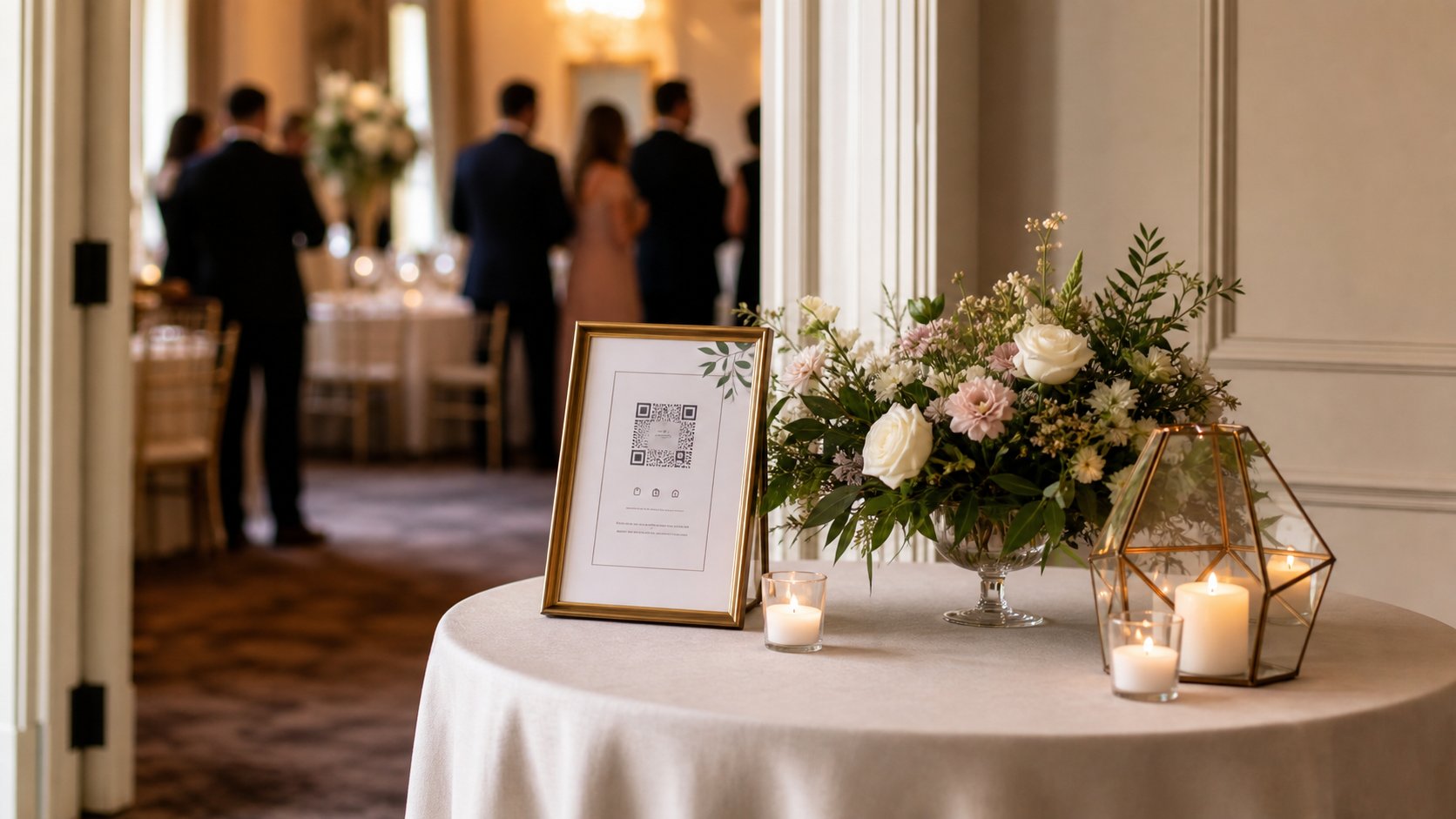
Wedding Photo QR Code Sign Wording That Guests Actually Follow
The right QR sign is not just pretty. It tells guests exactly what to do in one glance. Here is how to write, place, and test a wedding photo QR code sign that gets used.