
Wedding Weekend Photo Sharing Without Five Different Albums
Wedding weekend photo sharing works best when welcome party, ceremony, reception, brunch, and after-party photos all land in one clear guest flow.
Wedding photo workflow editor
Key takeaways
- Wedding weekend photo sharing works best with one QR code and one guest flow for the welcome party, ceremony, reception, brunch, and after-party.
- Give guests the code before or during the first event — welcome bags, schedule pages, and welcome party signs are the best starting points.
- Use separate albums only for privacy or organisation needs; one flow is easier for guests and for the couple.

Wedding weekend photo sharing is harder than wedding-day photo sharing because the memories are spread across more places.
There may be a welcome party on Friday, getting-ready moments on Saturday, the ceremony, the reception, an after-party, and brunch the next morning. Guests take photos at all of it, but those photos usually end up scattered across camera rolls, text threads, shared albums, and social posts.
The fix is not asking people to remember five different links. It is giving the whole weekend one simple photo habit.
Why wedding weekend photo sharing needs one flow
A wedding weekend has more transitions than a single reception. Every transition is a chance for photos to get lost.
If you create a separate album for each event, guests have to remember which link belongs where. If you only create a reception upload link, you miss the welcome drinks, travel moments, rehearsal dinner, pool morning, and brunch candids that often feel the most personal.
One flow is easier:
- Guests learn the photo action once.
- The same QR code or link works all weekend.
- The couple gets one place to review everything.
- Guests do not need to sort photos by event.
This is especially helpful for destination weddings and wedding weekends where not every guest attends every event.
Start with the weekend map
Before choosing tools, write down every moment where guest photos matter:
- arrival and hotel check-in
- welcome bags
- rehearsal dinner
- welcome party
- getting ready
- first look support moments
- ceremony arrival
- cocktail hour
- reception tables
- dance floor
- after-party
- next-day brunch
You may not need guests capturing at every moment. The point is to know where the best candid perspectives will come from.
Professional photographers are usually focused on the planned story. Guest photos fill in the social story: who traveled together, what the room felt like between formal moments, and what happened after the couple left a table.
For the wedding-day version of this problem, see how to collect wedding photos from guests.
Choose a single weekend instruction
Your instruction should work at every event.
Good options:
Add to our wedding weekend cameraScan to capture the weekend with usHelp us see the weekend through your lensUse this camera all weekend
Avoid wording that only fits the ceremony or reception if you want photos from the full weekend.
For signs, welcome cards, and table cards, the wedding photo QR code sign wording guide gives more options. For weekend use, the most important change is adding "weekend" so guests understand the QR code is not only for the reception.
Where to put the QR code
Weekend photo sharing works best when the QR code appears before the wedding day.
Use it in these places:
- welcome bag insert
- wedding website weekend schedule
- welcome party bar sign
- rehearsal dinner table sign
- reception welcome sign
- dinner table card
- brunch table card
If guests first see the QR code at the reception, you already missed a large part of the weekend. Put it in the welcome materials so the habit starts early.
Your practical setup checklist
Use this checklist during planning week:
- Decide whether one roll covers the full weekend or separate rolls are needed.
- Choose one wording style and repeat it everywhere.
- Add the QR code to the wedding website schedule.
- Put a small card in welcome bags.
- Test the same link before each event.
- Confirm guests do not need to download an app.
- Tell the wedding party to use it at the welcome party.
- Place signs where guests naturally pause.
- Decide when the photos should reveal.
- Download or archive final photos after the weekend.
For most couples, one shared weekend roll is simpler than multiple event-specific albums. Separate rolls only make sense if you need strong boundaries, such as private getting-ready photos and public reception photos.
Live gallery or reveal later?
Wedding weekends make the reveal decision more interesting.
A live gallery can be useful if guests want to browse photos during downtime. But it can also distract people or change how they capture. Some guests may over-edit what they share if they know every photo appears immediately.
A reveal-later flow creates anticipation. Guests contribute during the weekend, then everyone can revisit the roll after the final event. That fits the digital disposable camera feeling: take the photo now, enjoy the surprise later.
If your priority is guest participation, tell people when the reveal happens. A line like Photos reveal after brunch gives the weekend a natural payoff.
What usually goes wrong
The couple creates too many albums
Separate albums sound organized, but they create confusion for guests. Use one primary weekend flow unless privacy requires otherwise.
The QR code appears too late
If the first sign is at the reception, welcome party photos are already stuck in camera rolls. Introduce the QR code in welcome materials.
Guests think it is only for formal photos
Make the language candid. Ask for the weekend, not just the ceremony. Guests should know that travel moments, table laughs, and after-party photos belong too.
Nobody owns the reminder
Assign one person to mention the QR code at the welcome party and another at the reception. Couples should not have to manage this live.
The reveal timing is unclear
If guests do not know whether photos are public, private, live, or delayed, some will hold back. Say what happens after capture.
How OnceRoll fits
OnceRoll works well for wedding weekends because the host can create one shared event camera, share a QR code, and let guests join from the browser without a guest app. The roll can stay hidden until the reveal, which keeps the weekend focused on capturing moments instead of watching a live feed.
That makes the system easy to explain:
Scan once, use it all weekend, see the roll after the reveal.
FAQ
Should we use one album for the whole wedding weekend?
Usually yes. One flow is easier for guests and easier for the couple to manage. Use separate albums only for privacy or organization needs that guests will understand.
When should guests first get the QR code?
Before or during the first weekend event. Welcome bags, schedule pages, and welcome party signs are the best starting points.
Can the same QR code work for the reception and brunch?
Yes, if your tool supports a shared event link. That is usually simpler than asking guests to scan a new code each day.
Should wedding weekend photos reveal live?
Not always. A delayed reveal can keep guests present and make the final album feel more exciting after the weekend.
What if only some guests attend the welcome party?
Use the same QR code anyway. Guests who join later can still participate at the ceremony, reception, or brunch.
Final CTA
Wedding weekend photo sharing should feel like one habit, not another planning spreadsheet. Give guests one QR code, one instruction, and one reason to keep capturing throughout the weekend.
OnceRoll supports that flow with a shared digital disposable camera, no guest app, QR joining, shot limits, and a reveal time you control.
Related reading
Keep building the rest of the workflow
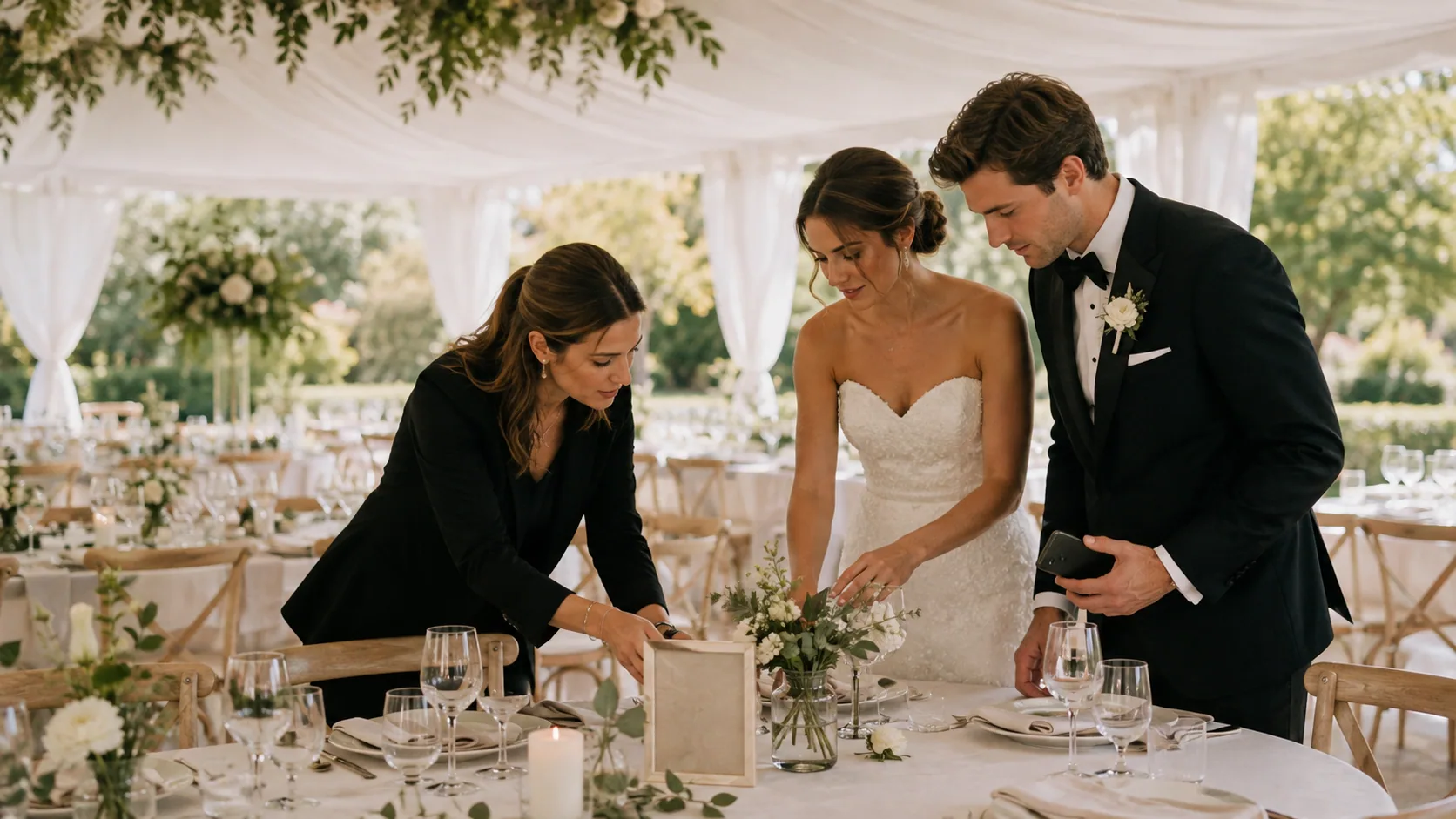
Wedding Photo Sharing Checklist: A Simple Plan Guests Will Follow
A good wedding photo plan needs one guest action, a few well-timed reminders, and a test before the day begins.
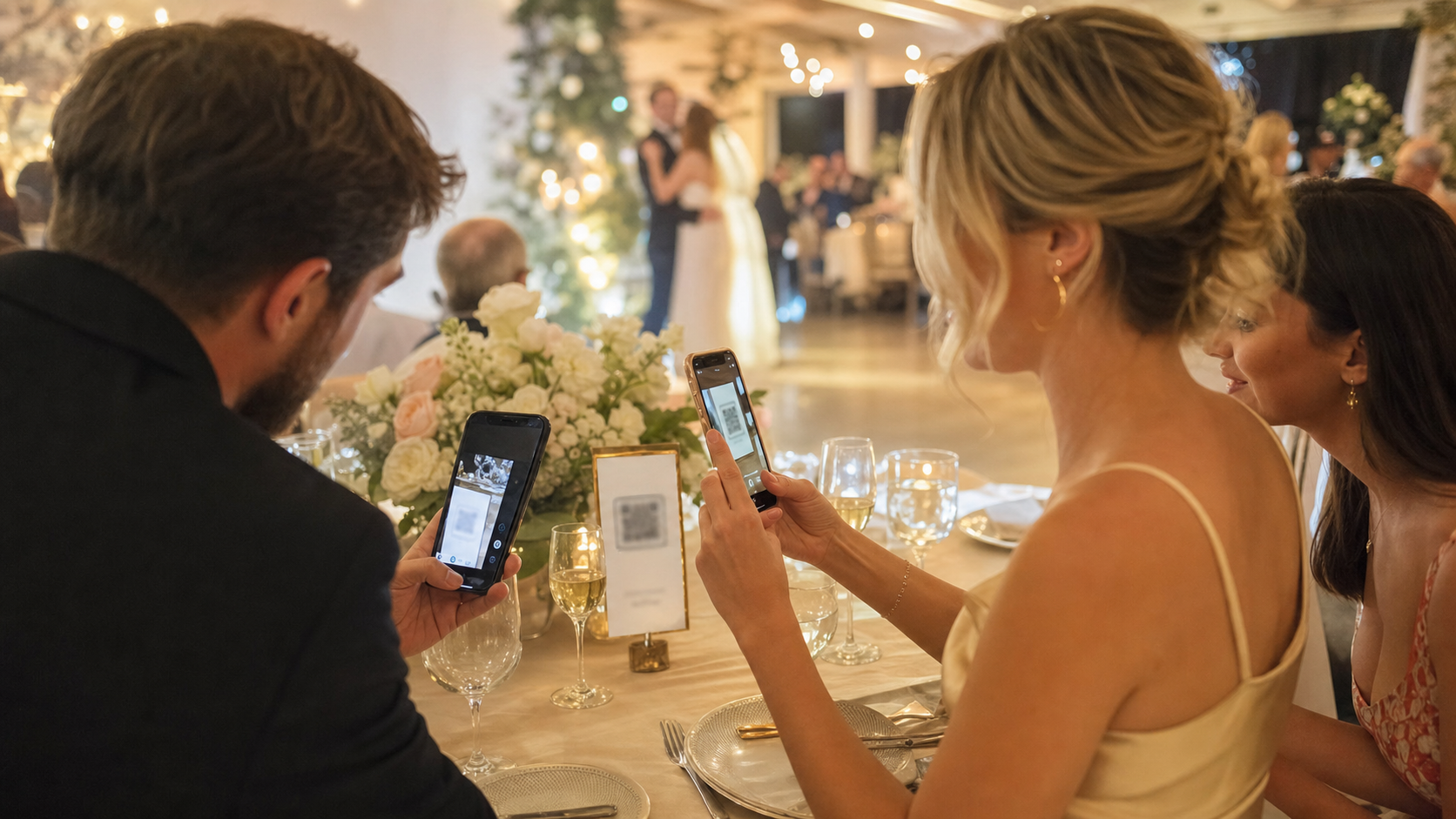
No App Wedding Photo Sharing: How to Get More Guests to Join
Guests are more likely to share wedding photos when the flow opens instantly. Here is how no app wedding photo sharing works and how to set it up without losing participation.
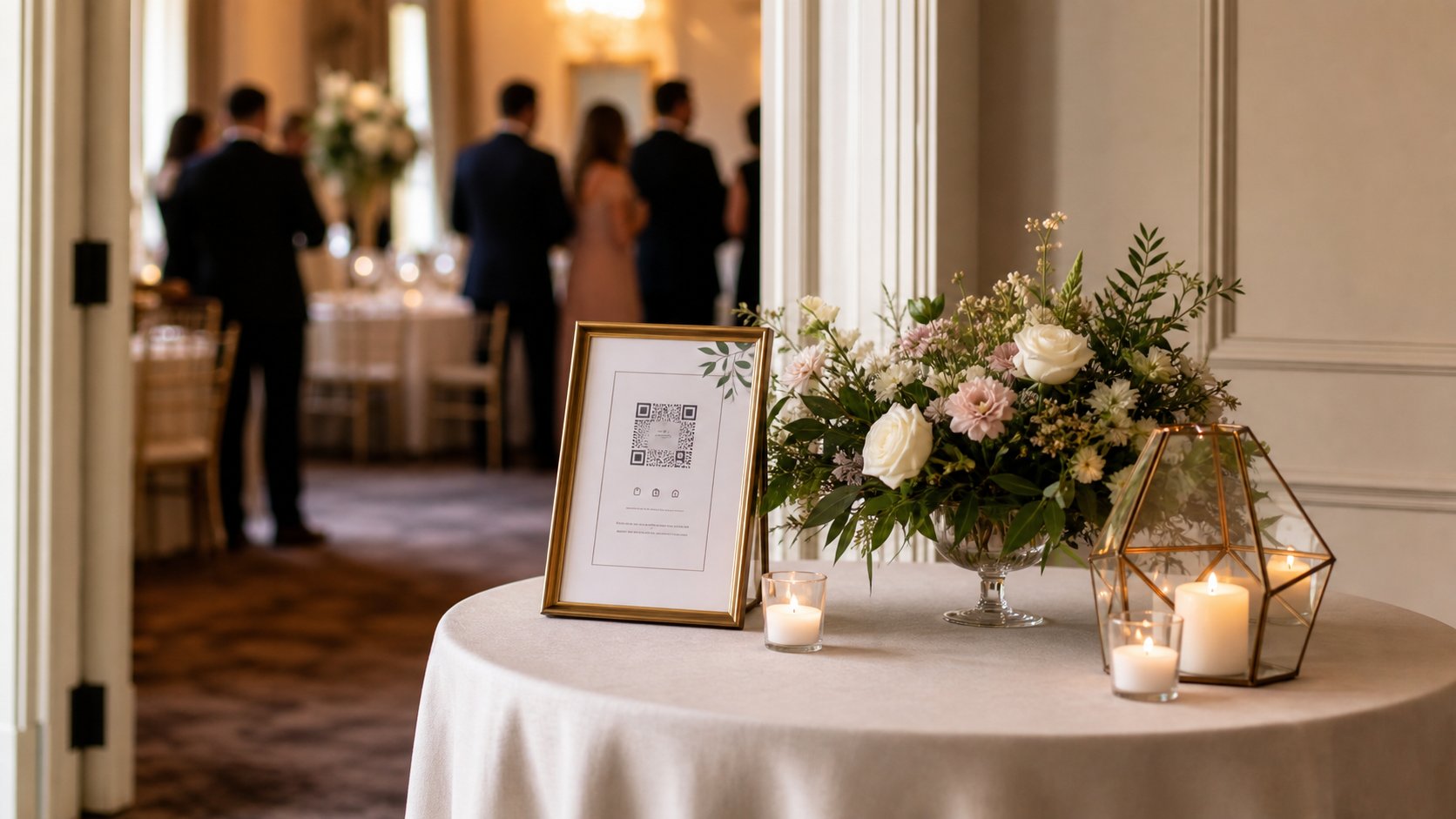
Wedding Photo QR Code Sign Wording That Guests Actually Follow
The right QR sign is not just pretty. It tells guests exactly what to do in one glance. Here is how to write, place, and test a wedding photo QR code sign that gets used.