
Wedding Photo QR Code Sign Wording That Guests Actually Follow
Use these wedding photo QR code sign wording examples, placement tips, and setup rules to get more guests scanning and adding photos during the reception.
Wedding photo workflow editor
Key takeaways
- The best wedding photo QR code sign wording states the action in one line, such as 'Scan to add photos to our wedding camera'.
- Say 'no app download needed' if it is true — it removes the biggest reason guests hesitate to scan.
- Use at least three signs: one at entry, one near the bar, and one near the tables or dance floor.
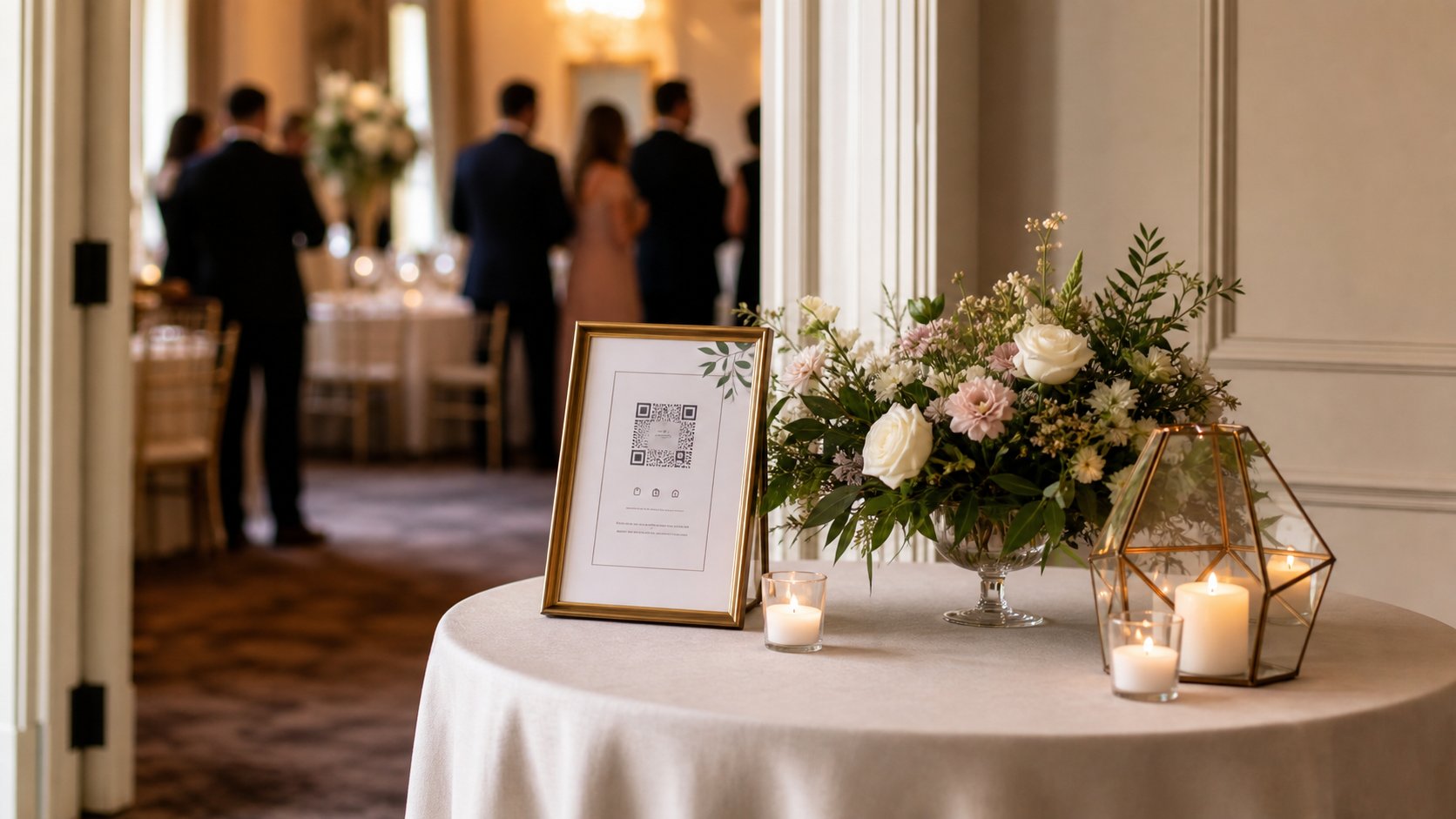
Good wedding photo QR code sign wording does one job: it gets a guest to scan before they walk away.
That sounds simple, but many wedding photo signs make the same mistake. They look beautiful from across the room, then ask guests to read too much, guess what happens next, or remember to upload photos later.
A strong sign should answer three questions immediately:
- What is this for?
- What should I do right now?
- Why is it worth doing during the wedding?
If those answers are clear, the QR code becomes part of the event instead of another decoration on the welcome table.
Wedding photo QR code sign wording examples
Start with wording that is short enough to read while walking. These versions work because they avoid long instructions and make the action feel immediate.
Simple and direct
Scan to add photos to our wedding camera
This is the safest version for most weddings. It tells guests that scanning opens a photo action, not a registry, menu, or seating chart.
More playful
Help us see the night through your lens
Use this when the QR code leads to a guest camera or shared roll, not a generic upload folder. It gives guests an emotional reason to participate.
Disposable camera inspired
Your phone is our disposable camera tonight
This works well when you want a modern disposable camera feeling without handing out physical cameras. If that is your direction, pair it with a tool that feels like capture, not only file upload. The disposable camera wedding alternative guide covers that tradeoff in more depth.
Reveal-later version
Scan, snap, and come back for the reveal
This wording works when photos stay hidden until later. It is especially useful because guests are contributing to a shared moment, not just doing admin for the couple.
Formal but clear
Share your candid photos from today
This fits black-tie or traditional weddings where playful wording may feel off-brand. Keep the subtext practical: one short sentence below the headline is enough.
The best sign structure
Use a three-line hierarchy:
- A headline that says what the QR code is for.
- A short action line.
- A tiny reassurance line if needed.
For example:
Add to our wedding camera
Scan the code and take photos during the reception.
No app download needed.
The third line matters when your flow allows browser-based joining. If guests think they are about to download an app or create an account, some will skip it before scanning.
What to avoid in the wording
Avoid language that makes the task sound delayed or optional:
Upload photos after the weddingSend us your picturesVisit our galleryShare memories when you canUse this link later
Those lines are polite, but they work against guest behavior. People are most likely to participate when they are already in the room, phone in hand, reacting to the moment. The more your sign sounds like homework for tomorrow, the fewer photos you collect.
For broader collection strategy, read how to collect wedding photos from guests. The sign is only one part of the system, but it is often the part guests see first.
Your practical setup checklist
Use this checklist before printing:
- Put the purpose in the largest text on the sign.
- Keep the main instruction under eight words if possible.
- Add
No app download neededonly if it is true. - Test the QR code on iPhone and Android.
- Test it from the distance guests will actually scan.
- Use a short URL backup below the QR code for older phones.
- Print at least two sign sizes before the wedding week.
- Place the same code in more than one location.
- Ask your planner, DJ, or MC to mention it once.
- Make sure the destination opens directly to the guest photo action.
Do not bury the QR code inside a paragraph. Guests are not studying the sign. They are deciding whether it is worth the next five seconds.
Where to place the sign
One sign at the welcome table is a start, not a strategy.
The best placements match natural guest movement:
- entrance or welcome table
- bar
- guestbook table
- cocktail tables
- dinner tables
- dessert table
- near the dance floor
- next to the seating chart
If you only choose two placements, use the bar and dinner tables. Guests spend time there, phones are already out, and the setting gives them a reason to take photos.
For a deeper placement plan, the QR code for wedding pictures article walks through venue touchpoints and scan-rate mistakes.
Font size and print rules
The QR code should be large enough to scan without guests picking up the sign. A small code on a busy floral table may look refined in photos, but it fails in the real room.
Use these practical rules:
- Table sign QR code: at least 1.5 inches wide.
- Welcome sign QR code: at least 4 inches wide.
- Main headline: readable from six to ten feet away.
- Instruction line: readable while standing near the sign.
- Avoid glossy paper if overhead lights create glare.
- Leave quiet space around the QR code.
If the sign includes flowers, frames, candles, or acrylic, test the final display in similar lighting. Reflection and shadow can make a technically valid QR code harder to scan.
What usually goes wrong
The sign sounds like a request for later
Guests may mean well, but later is unreliable. Use wording that asks them to scan and take photos during the event.
The destination has too many steps
The sign can be perfect and still fail if the page after the scan asks for an account, app install, or long form. The scan should lead to the fastest possible capture flow.
The QR code competes with other QR codes
Many weddings now have QR codes for menus, schedules, registries, and photo uploads. Label each one clearly. If your photo QR code is unlabeled, guests will ignore it or assume they already scanned it.
The sign is too pretty to be useful
Beautiful signage still needs contrast, size, and direct instructions. Do not sacrifice readability for a faint script font or tiny gray text.
Nobody tells guests what it is
Signage works better with one human prompt. Ask the DJ, MC, planner, or wedding party to mention it when guests are seated or before the dance floor opens.
A simple OnceRoll setup
OnceRoll is built for this kind of sign because the guest action is simple: scan the QR code, open the shared event camera, and take photos without needing the guest app. If you want the sign to feel more like a disposable camera than an upload request, use wording like:
Scan to join our wedding camera
Then set the reveal time so guests know their photos are part of something they can revisit later.
FAQ
What should a wedding photo QR code sign say?
Use a direct line such as Scan to add photos to our wedding camera or Scan, snap, and come back for the reveal. The best wording explains the action immediately.
Should the sign mention no app download?
Yes, if it is true. No app download needed removes one of the biggest reasons guests hesitate to scan.
How many wedding photo QR code signs do we need?
Use at least three for most receptions: one at entry, one near the bar, and one near the guest tables or dance floor.
Should we include a backup URL?
Yes. A short backup URL helps guests with older phones, bad lighting, or camera issues.
Can we use funny wording?
Yes, but keep the action clear. A joke should not replace the instruction. Guests still need to know that scanning lets them take or add wedding photos.
Final CTA
Your wedding photo QR code sign wording should make the next step obvious. Keep it short, place it where guests naturally pause, and connect it to a flow they can use in seconds.
OnceRoll gives you the QR join, no guest app flow, shared wedding camera, and reveal-later format behind the sign, so the wording can stay simple and the photos can land in one place.
Related reading
Keep building the rest of the workflow
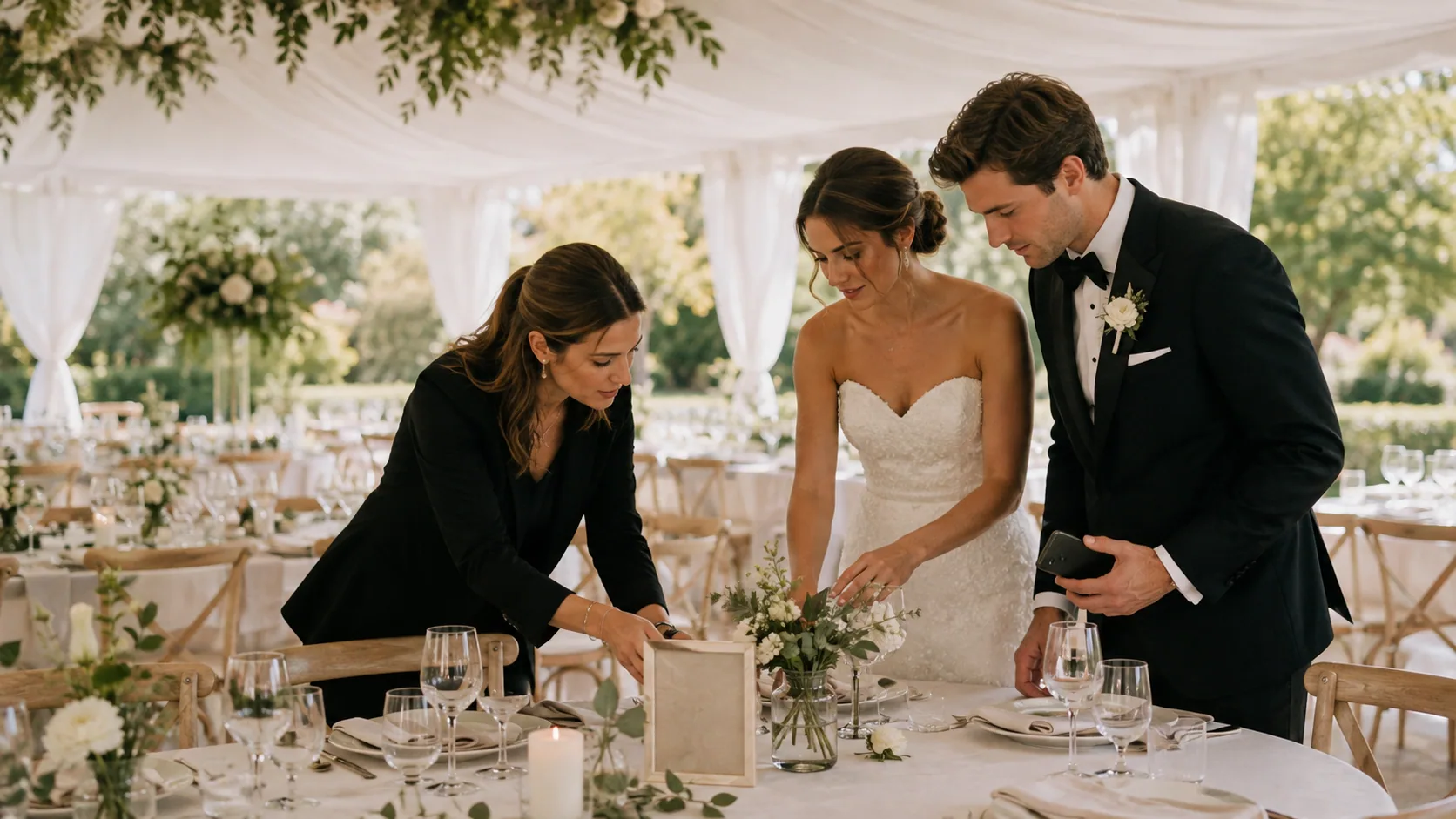
Wedding Photo Sharing Checklist: A Simple Plan Guests Will Follow
A good wedding photo plan needs one guest action, a few well-timed reminders, and a test before the day begins.

Wedding Weekend Photo Sharing Without Five Different Albums
A wedding weekend creates more candid photos than the wedding day alone. Here is how to collect them without scattering everything across texts, albums, and forgotten links.
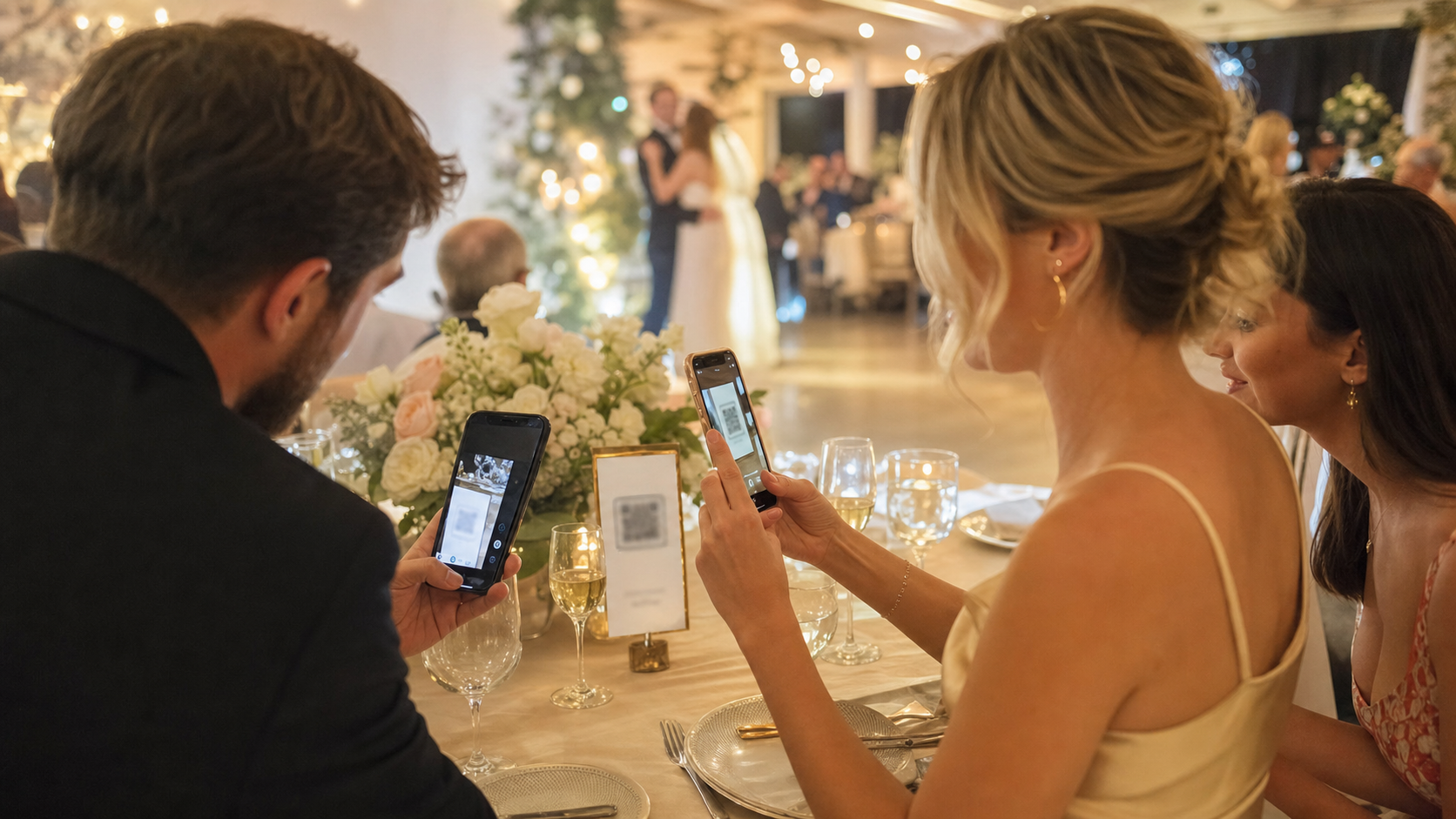
No App Wedding Photo Sharing: How to Get More Guests to Join
Guests are more likely to share wedding photos when the flow opens instantly. Here is how no app wedding photo sharing works and how to set it up without losing participation.