
Wedding Video Guestbook: How It Works and How to Set One Up
A wedding video guestbook collects quick, personal clips from the people in the room. Here is a simple setup that guests will actually use.
Event guestbook editorial team
Key takeaways
- A wedding video guestbook is a collection of short guest messages and candid clips, usually gathered through a shared link or QR code.
- Ask for one focused thing — a favorite memory, advice, a toast — and set a clear time limit so recording feels approachable.
- No separate booth is needed: guests can record in their phone browser from a QR code placed in a quieter corner of the reception.

A wedding video guestbook is a collection of short messages, reactions, and candid clips made by the people who were actually in the room. It is not a replacement for a wedding film. Your videographer can document the day with intention; guest clips add the unplanned voices and personalities that formal coverage cannot predict.
The strongest setup is usually the simplest one: one prompt, one QR code or link, short clips, and a little privacy. When guests know exactly what to say and how long it will take, recording becomes part of the celebration instead of another task.
What makes a video guestbook work
The hard part is not the camera. Guests already carry one. The hard part is reducing hesitation.
Start by asking for one kind of contribution. “Record a message for us” is broad enough to make people freeze. “Tell us your favorite memory with us in one sentence” gives guests somewhere to begin. You can rotate prompts over the night, but avoid presenting a long list at the recording moment.
Next, pick a location that fits the request. A quiet lounge, patio, or edge of the reception works better than the middle of the dance floor. Guests should not feel as if they are holding up a line or competing with loud music. If the only available area is lively, prompt them for quick, funny clips rather than thoughtful speeches.
A five-step setup
- Create one Video Guestbook. Keep the experience focused on short clips. If you also want photos or voice messages, use a separate guestbook for each format.
- Choose a reveal plan. Decide whether clips should remain private until later or be available as a live collection. A delayed reveal helps the final playback feel like an event of its own.
- Set a clear duration. Short, manageable clips reduce retakes and keep guests from overthinking.
- Share one entry point. Put the QR code or link on table cards, an event schedule, and a sign near the recording area.
- Give a human reminder. Ask a friend, DJ, or wedding-party member to mention it at the right moment. Signage makes access possible; a reminder makes it feel invited.
OnceRoll lets the host create and manage the Video Guestbook from the iOS app. Guests open the shared invite from a modern iPhone or Android browser without a download or account, then contribute a clip within the host’s duration and contribution settings.
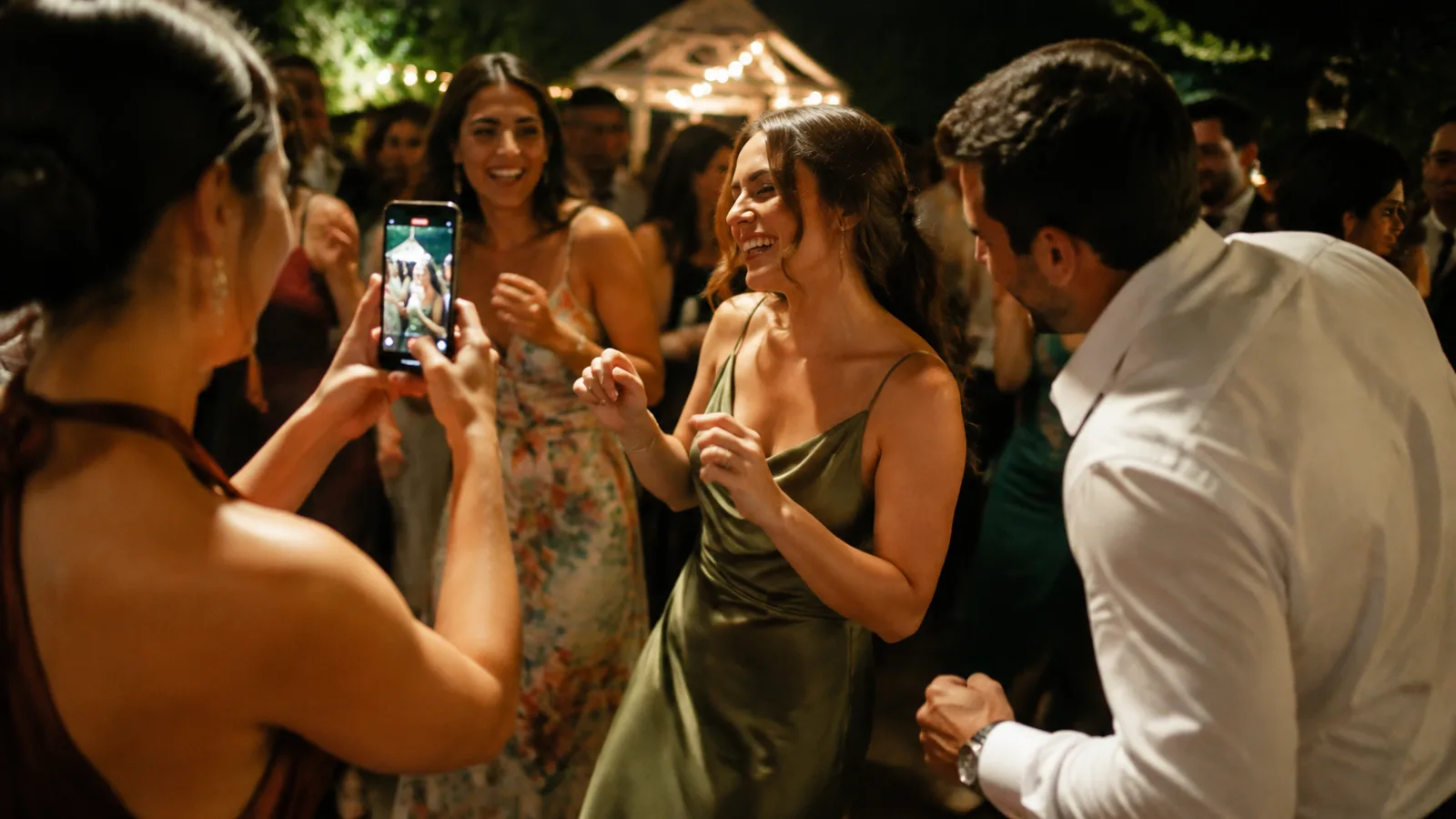
Prompts that get better clips
Use prompts that are specific enough to start a story and loose enough to sound natural:
- Tell us the first thing you noticed about us as a couple.
- Share one piece of marriage advice we will actually use.
- Describe this wedding in three words.
- Leave a message for us to watch on our first anniversary.
- Tell the story we are most likely to forget.
- Record a five-second toast before you go back to the dance floor.
If you want more formats, use these wedding video guestbook ideas as a menu rather than putting every idea in front of guests at once.
Video guestbook mistakes to avoid
Do not build the experience around a device that guests have to find, wait for, or learn. Do not ask for long messages without offering a prompt. And do not place the only QR sign by the gift table, where people may visit once and never return.
It also helps to choose your desired mood. A private corner encourages sentimental messages; a visible, energetic spot invites quick group clips. Both are valid, but trying to ask for deeply personal messages in the loudest part of the room is a mismatch.
For a broader guestbook comparison, read the best wedding guest book apps. If you want candid images alongside clips, pair the plan with a no-app wedding photo sharing flow.
FAQ
What is a wedding video guestbook?
It is a collection of short video messages and candid clips contributed by wedding guests, usually through a shared event link or recording station.
What should guests say in a wedding video guestbook?
Ask for one focused thing: a favorite memory, a piece of advice, a toast, or a message for the couple to watch later.
How long should wedding video guestbook clips be?
Short clips are easier for guests. A clear time limit keeps recording approachable and makes the final collection easier to revisit.
Do we need a separate video booth?
No. A browser-based video guestbook can let guests record on the phone they already have, provided the instructions are clear.
Related reading
Keep building the rest of the workflow
20 Wedding Video Guestbook Ideas Guests Will Actually Use
The best wedding video guestbook ideas make a contribution feel easy, specific, and fun in the moment.
25 Wedding Cocktail Hour Ideas Guests Will Actually Enjoy
Cocktail hour does not need constant entertainment. A few useful, low-pressure details are enough to make it feel like part of the celebration.
60 Wedding Guestbook Questions That Get Real Answers
A clear question gives guests something more useful to leave than a rushed signature and a generic congratulations.