
Birthday Party Photo Sharing: A QR Setup Guests Will Use
Collect birthday party photos from friends and family with a simple QR-based flow, clear signage, and a reveal that feels like part of the celebration.
Event guestbook editorial team
Key takeaways
- Give guests one QR code or link that opens a photo flow while the party is happening; asking for uploads later rarely works.
- No guest app is needed when the QR code opens a browser-based camera on their phone.
- Place the code near the entrance, food and drinks, and the cake, and decide up front between live viewing and a later reveal.

Birthday party photo sharing should feel like an invitation, not a cleanup task. If the plan is “send us whatever you took later,” most of the best candid photos will stay in individual camera rolls. A QR code gives people a clear place to put them while the moment is still happening.
Use one shared entry point
Create one Photo Guestbook and share the same QR code or link everywhere. Put it at the entrance, near drinks, on the cake table, and by the exit. Keep the wording simple: “Scan to add photos to the birthday roll.” If guests can contribute from their browser without downloading an app or signing in, say that clearly.
The point is not to make every person photograph every moment. It is to make the path obvious for the people already taking pictures. Friends will capture the candle blowout, family will capture group portraits, and someone will always catch the reaction you missed.
Set the tone before the party
Ask for candid photos rather than polished portraits. A few lightweight prompts can help: “the best laugh,” “a photo with the birthday person,” or “your view of the cake.” Use only a couple. Guests should feel free to participate, not monitored.
OnceRoll lets a host create the Photo Guestbook in the iOS app, share a QR code or link, set a shot limit, and choose when the collection reveals. Guests use a modern iPhone or Android browser without an account.
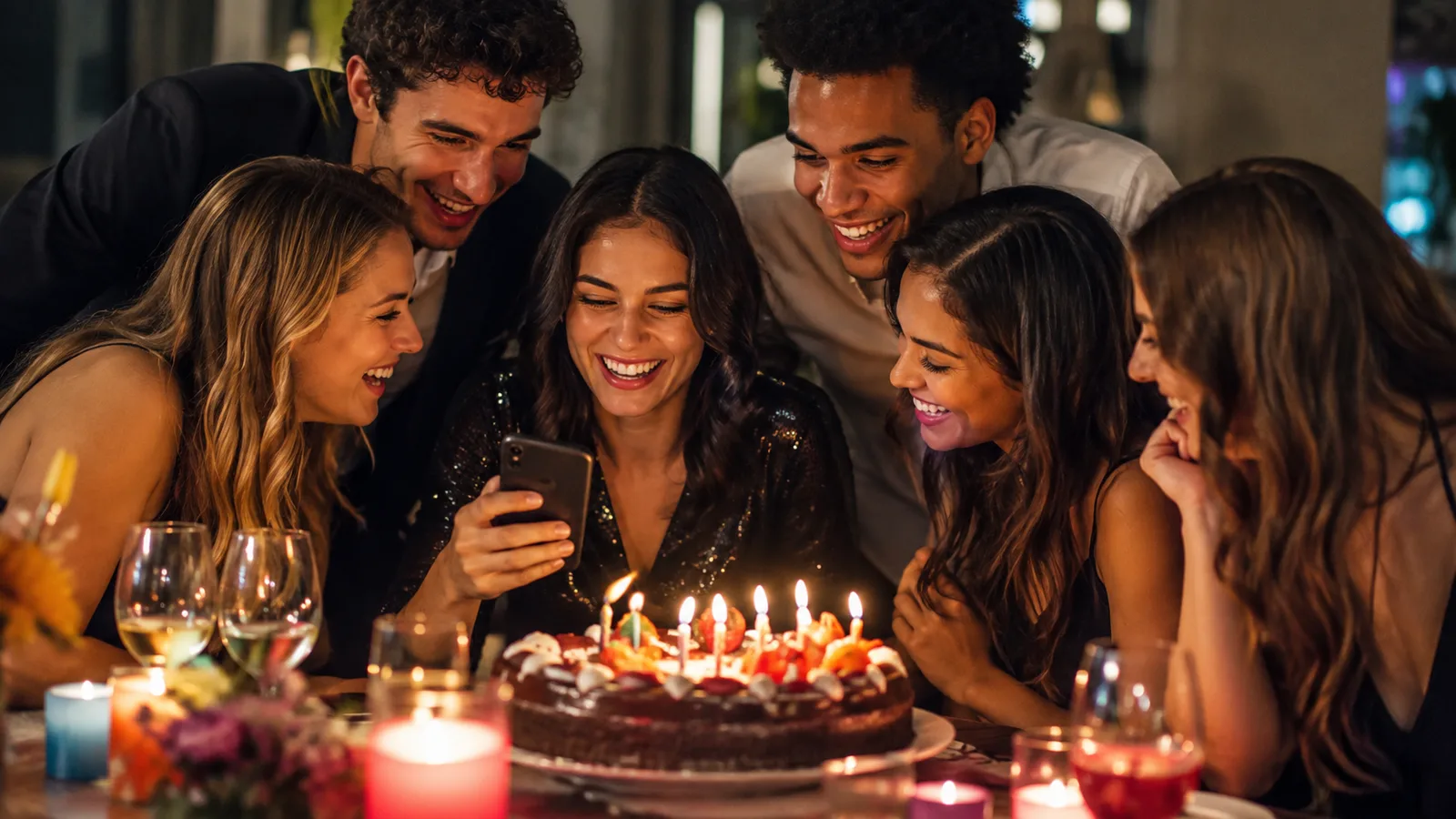
Choose live viewing or a later reveal
For a kid’s party or a casual dinner, a later reveal can be a fun ending: everyone sees the whole collection together after the candles and cleanup. For a milestone party, you may prefer the anticipation of discovering the night the next morning. The right choice is the one that matches the party’s energy.
Use a real photographer for formal moments if you need them. A guest photo collection is the extra layer: the angles, jokes, and arrivals from inside the party.
For a message-first format, see birthday video guestbook ideas. For another party workflow, read event photo sharing apps.
FAQ
How do you collect photos from a birthday party?
Give guests one simple QR code or link that opens a clear photo contribution flow while the party is happening.
Do guests need an app for birthday photo sharing?
Not if you use a browser-based guest flow that opens from the QR code on their phone.
Where should a birthday photo QR code go?
Place it near the entrance, food or drinks, the cake, and anywhere guests naturally pause.
Should birthday photos reveal during the party?
A live collection suits some parties, while a later reveal can make the final album feel more surprising.
Related reading
Keep building the rest of the workflow
Wedding Photo Sharing Checklist: A Simple Plan Guests Will Follow
A good wedding photo plan needs one guest action, a few well-timed reminders, and a test before the day begins.
Event Photo Sharing App: A Better Way to Collect Guest Memories
An event photo sharing app should make one shared collection feel simple for guests and useful for the host—without a trail of forgotten upload links.

Graduation Party Photo Sharing: Collect Every Family Memory
Graduation parties bring generations together. A shared photo flow helps keep every proud, funny, and candid moment in one place.