
Event Photo Sharing App: A Better Way to Collect Guest Memories
Choose an event photo sharing app by how easily guests join, contribute, and revisit the final collection for parties, reunions, and celebrations.
Event guestbook editorial team
Key takeaways
- An event photo sharing app gives guests one event-specific place to add photos, usually from a QR code or link, instead of scattered chats.
- Guests do not need a download when the flow is browser-based — that is the biggest driver of participation.
- One QR code and one destination for the whole event is easier than asking guests to join several albums.
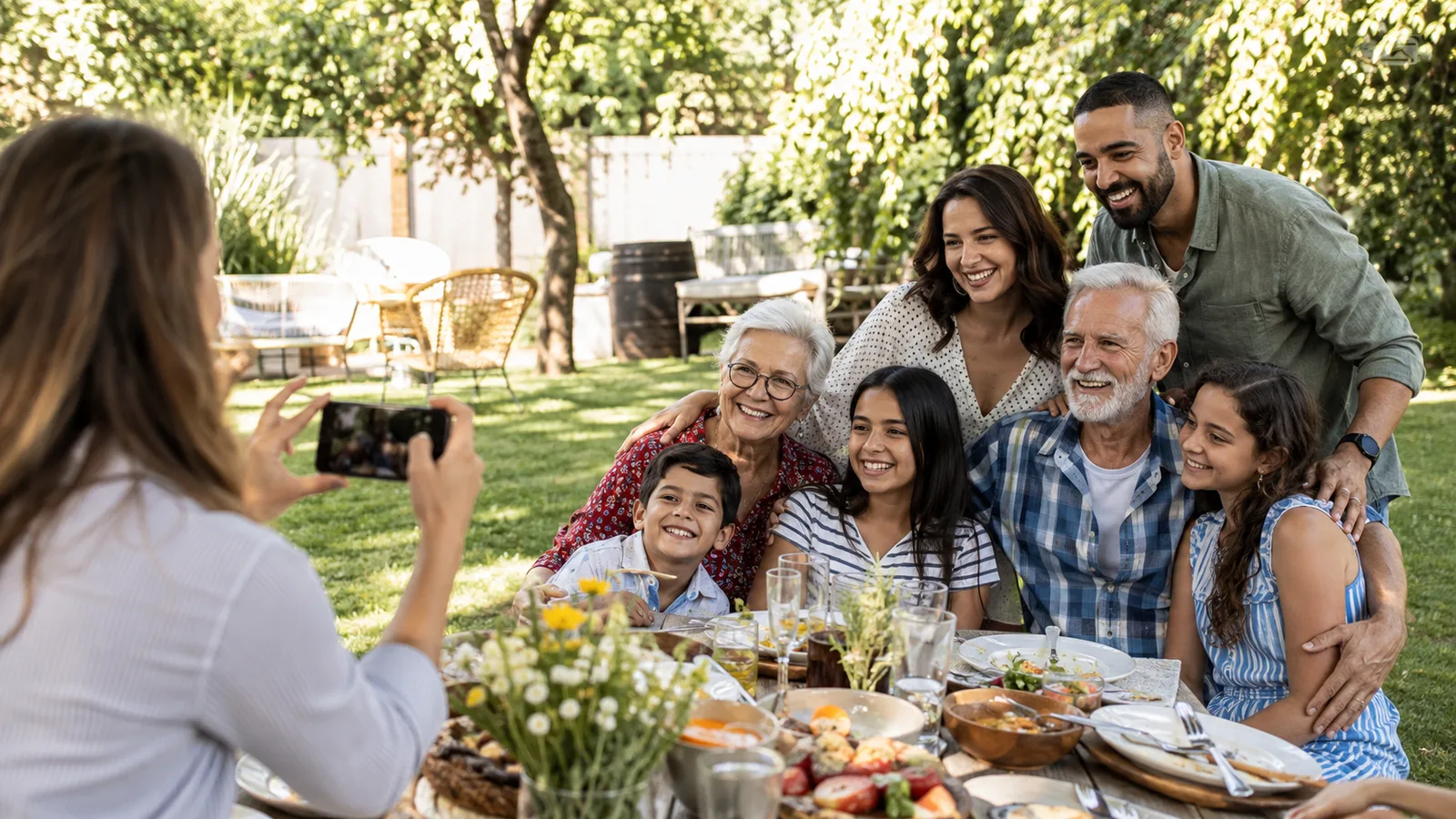
The best event photo sharing app is built around the event, not a generic folder. Guests should understand where to go, what to do, and why it is worth contributing before the moment passes.
That is useful for family reunions, birthdays, trips, house parties, and celebrations where no single person can see the whole room. A shared collection turns everyone’s camera roll into one story without asking the host to chase text messages afterward.
What to look for
Start with guest friction. Can someone scan a code and begin in a browser, or do they need a login and app installation? Familiar tools can be useful for storage, but an event-first flow is stronger when participation during the celebration matters.
Then look at the host controls. A good event photo system should let the host define the event window, shape contribution limits, and choose how the finished collection is revealed. Those choices make the activity feel intentional rather than like an open-ended upload request.
OnceRoll is an event guestbook where the host creates a Photo Guestbook in the iOS app, shares a QR code or link, and lets guests contribute from modern iPhone or Android browsers without a guest account. Hosts can use shot limits and choose a shared reveal time. Hosts can also create dedicated Video or Voice Guestbooks when a different kind of memory fits the occasion.

A reliable event setup
Use one entry point across the event. Print the QR code at arrival, food, and wherever people naturally pause. Keep the sign direct: “Scan to add your photos.” Add the outcome—“We’ll reveal the full roll tomorrow”—if a delayed reveal is part of the experience.
Do not create several competing albums unless guests need separate privacy boundaries. For most celebrations, one destination wins because it does not make people decide where a photo belongs. A later reveal can work especially well for reunions and trips, where guests are too busy talking to browse a gallery in real time.
For a family-focused use case, start with graduation party photo sharing. For an energetic party version, see birthday party photo sharing.
FAQ
What is an event photo sharing app?
It is a shared event-specific place for guests to add photos, often through a QR code or link, rather than sending files across separate chats.
Do guests need to download an event photo sharing app?
Not necessarily. Browser-based guest flows can let guests join from a QR code or link without a separate download.
Can one QR code work for an entire event?
Yes. One clear destination is usually easier for guests than asking them to join different albums throughout a celebration.
What should an event photo sharing sign say?
Use a short action-led line such as Scan to add your photos, then explain any important detail like no app needed or when memories reveal.
Related reading
Keep building the rest of the workflow

Family Reunion Photo Sharing: Collect Every Generation’s Best Photos
At a family reunion, no single person sees every conversation. A simple shared photo plan helps keep the pictures and small moments from every generation.

Wedding Photo Sharing Checklist: A Simple Plan Guests Will Follow
A good wedding photo plan needs one guest action, a few well-timed reminders, and a test before the day begins.

Birthday Party Photo Sharing: A QR Setup Guests Will Use
Birthday party photo sharing works when guests can join quickly and know that their candid photos will end up in one shared place.