
Graduation Party Photo Sharing: Collect Every Family Memory
Use a simple QR photo-sharing setup at a graduation party so family and friends can add candid photos without chasing uploads later.
Event guestbook editorial team
Key takeaways
- Share one QR code or event link that opens a photo flow while guests are together; set it up and test it before anyone arrives.
- The QR code opens a browser flow on any modern iPhone or Android, so family members need no app.
- Put signs near arrivals, the food table, any portrait backdrop, and the exit, then reveal the photos when it suits the celebration.

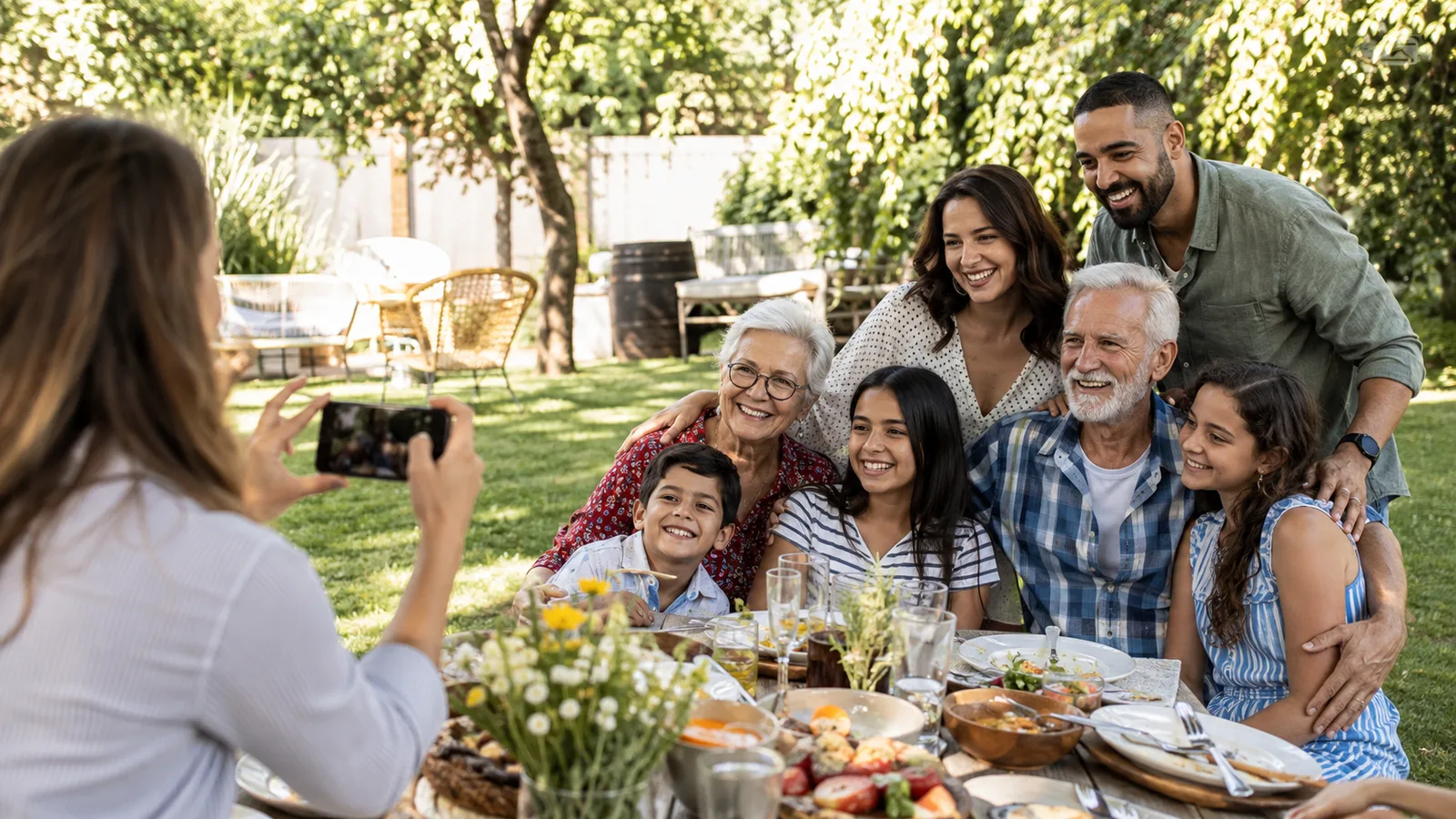
Graduation party photo sharing is a simple way to save the day from more than one angle. The graduate will have family portraits and friend photos, but they will also have the quick hug, the proud grandparent, and the cousins getting everyone ready for a group shot.
Set up the QR flow before guests arrive
Create one Photo Guestbook, then print or display the same QR code at natural pause points: arrival, food, the photo backdrop, and the exit. Add a plain instruction such as “Scan to add your graduation photos.” If guests can use their browser without an app or account, say so; it removes an unnecessary question.
Do not make the photo collection compete with a formal portrait schedule. Use it as the candid layer. Encourage guests to add their own perspective, then let the graduate stay present instead of collecting files by text for weeks afterward.
In OnceRoll, a host creates the Photo Guestbook in the iOS app, shares the event link or QR code, and can set a shot limit and reveal time. Guests contribute from modern iPhone and Android browsers.

Reveal when it suits the celebration
If the party includes a slideshow, a live collection may be useful. If the goal is a keepsake, schedule a later reveal and let the graduate discover all the behind-the-scenes moments after the celebration. Both options work; the key is to tell guests what their contribution becomes.
For a video-message version of the same idea, see birthday video guestbook ideas. For general setup rules that also apply here, read birthday party photo sharing.
FAQ
How do you collect graduation party photos?
Share one QR code or event link that opens a clear photo contribution flow while guests are together.
Can family members use a graduation photo QR code?
Yes. A QR code can open a browser-based guest flow on a modern iPhone or Android phone.
Where should graduation photo signs go?
Put them near arrivals, the food table, any portrait backdrop, and close to the exit.
Should graduation photos be shared live?
Live sharing is useful for a slideshow, while a later reveal preserves the surprise of seeing every perspective together.
Related reading
Keep building the rest of the workflow

Wedding Photo Sharing Checklist: A Simple Plan Guests Will Follow
A good wedding photo plan needs one guest action, a few well-timed reminders, and a test before the day begins.

Birthday Party Photo Sharing: A QR Setup Guests Will Use
Birthday party photo sharing works when guests can join quickly and know that their candid photos will end up in one shared place.
Event Photo Sharing App: A Better Way to Collect Guest Memories
An event photo sharing app should make one shared collection feel simple for guests and useful for the host—without a trail of forgotten upload links.