
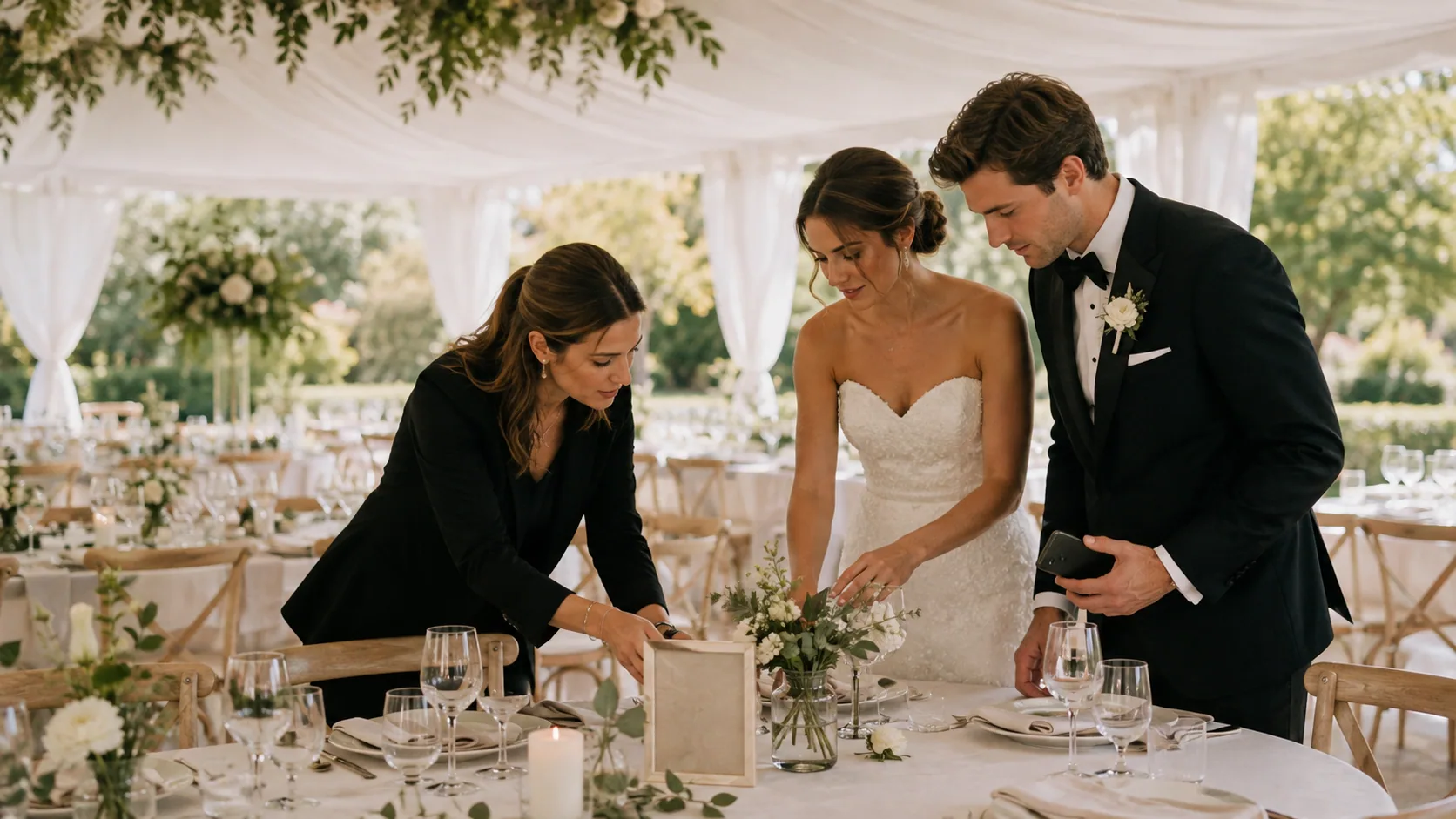
6 min read
Wedding Photo Sharing Checklist: A Simple Plan Guests Will Follow
A good wedding photo plan needs one guest action, a few well-timed reminders, and a test before the day begins.
Wedding planningGuest photosQR sharing
9 guides
9 OnceRoll guides on qr sharing: practical advice for collecting guest photos, video and voice messages, and memories from weddings and celebrations.
A good wedding photo plan needs one guest action, a few well-timed reminders, and a test before the day begins.

Birthday party photo sharing works when guests can join quickly and know that their candid photos will end up in one shared place.
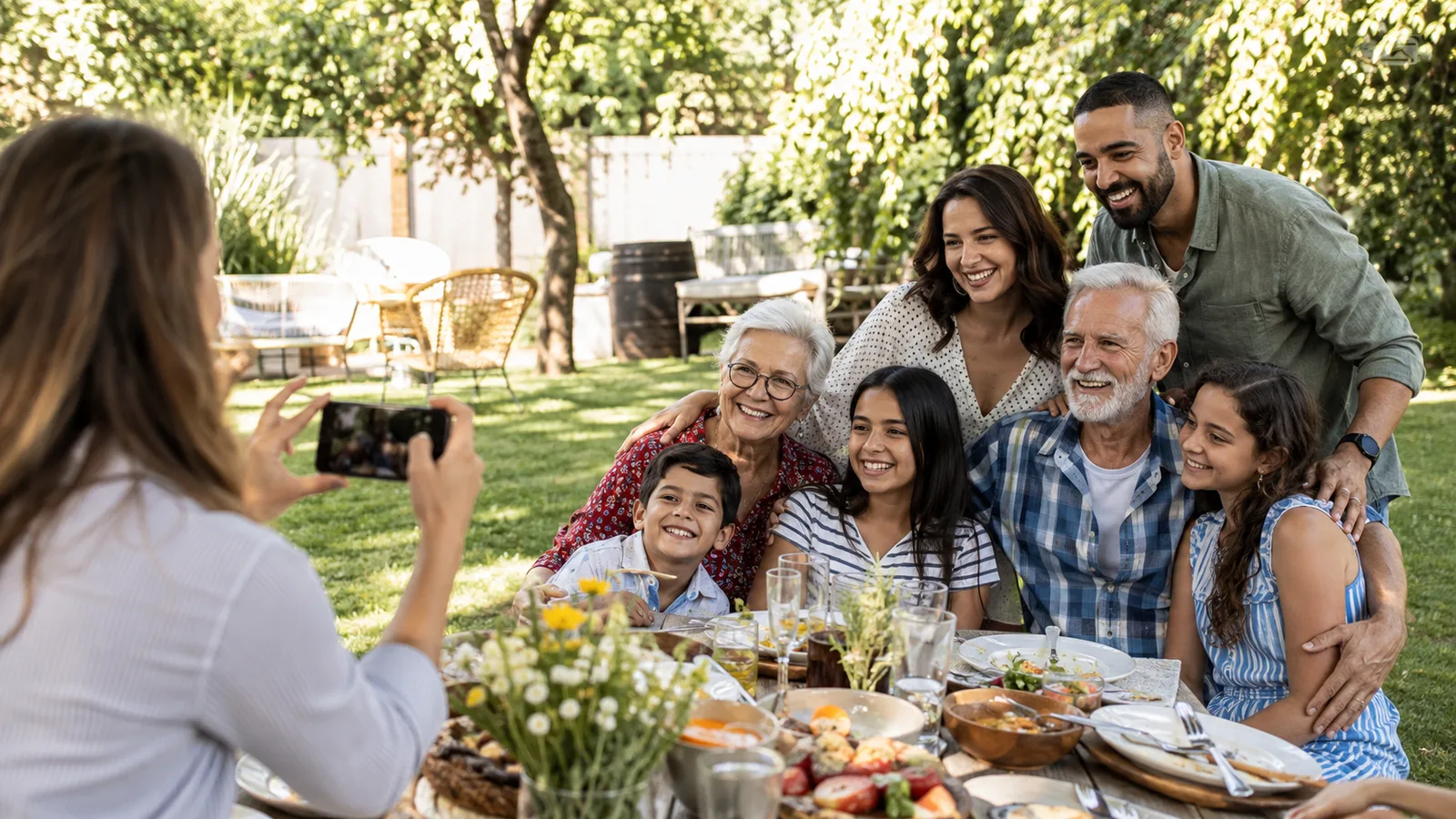
An event photo sharing app should make one shared collection feel simple for guests and useful for the host—without a trail of forgotten upload links.

Graduation parties bring generations together. A shared photo flow helps keep every proud, funny, and candid moment in one place.

A wedding weekend creates more candid photos than the wedding day alone. Here is how to collect them without scattering everything across texts, albums, and forgotten links.
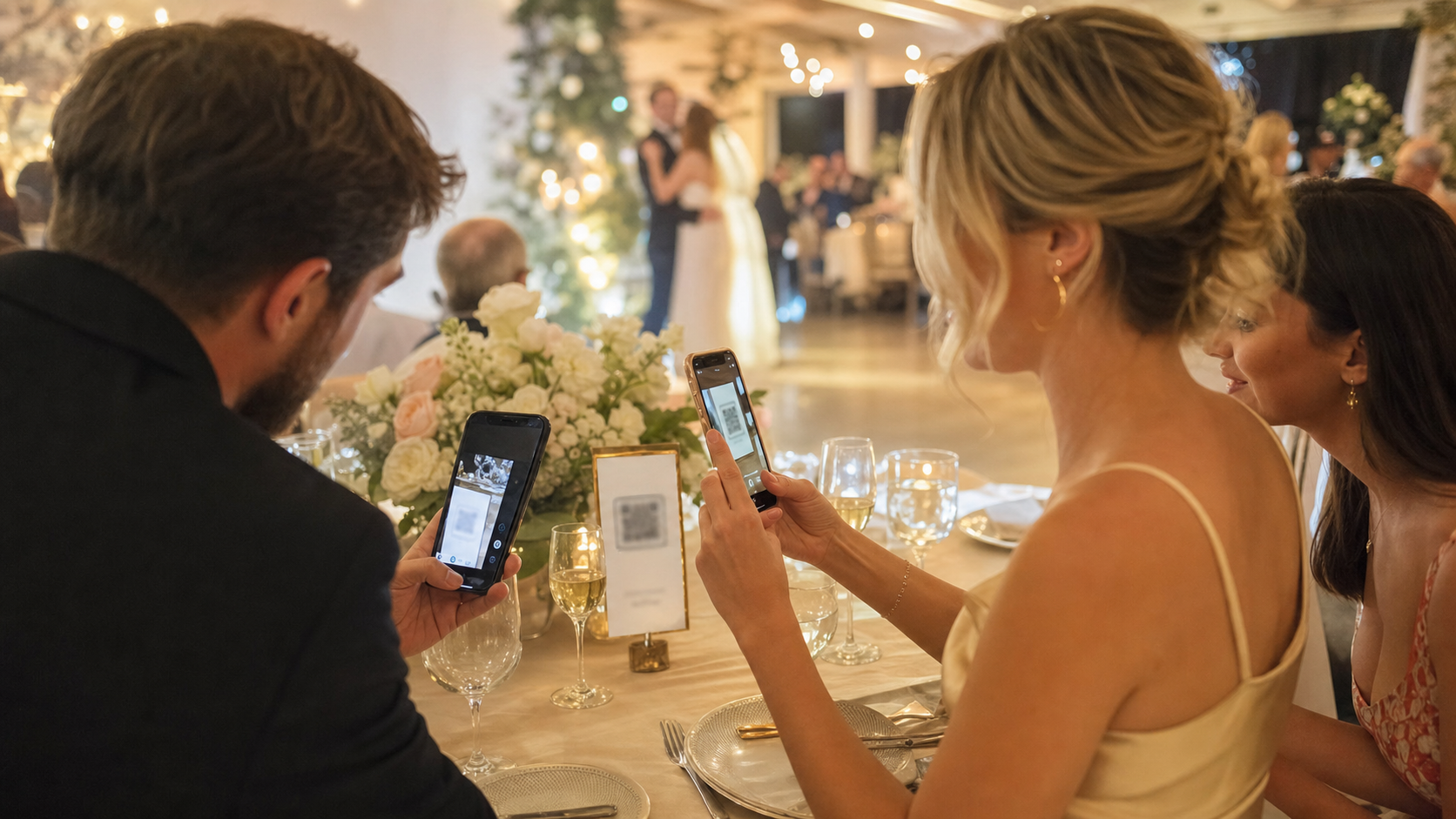
Guests are more likely to share wedding photos when the flow opens instantly. Here is how no app wedding photo sharing works and how to set it up without losing participation.
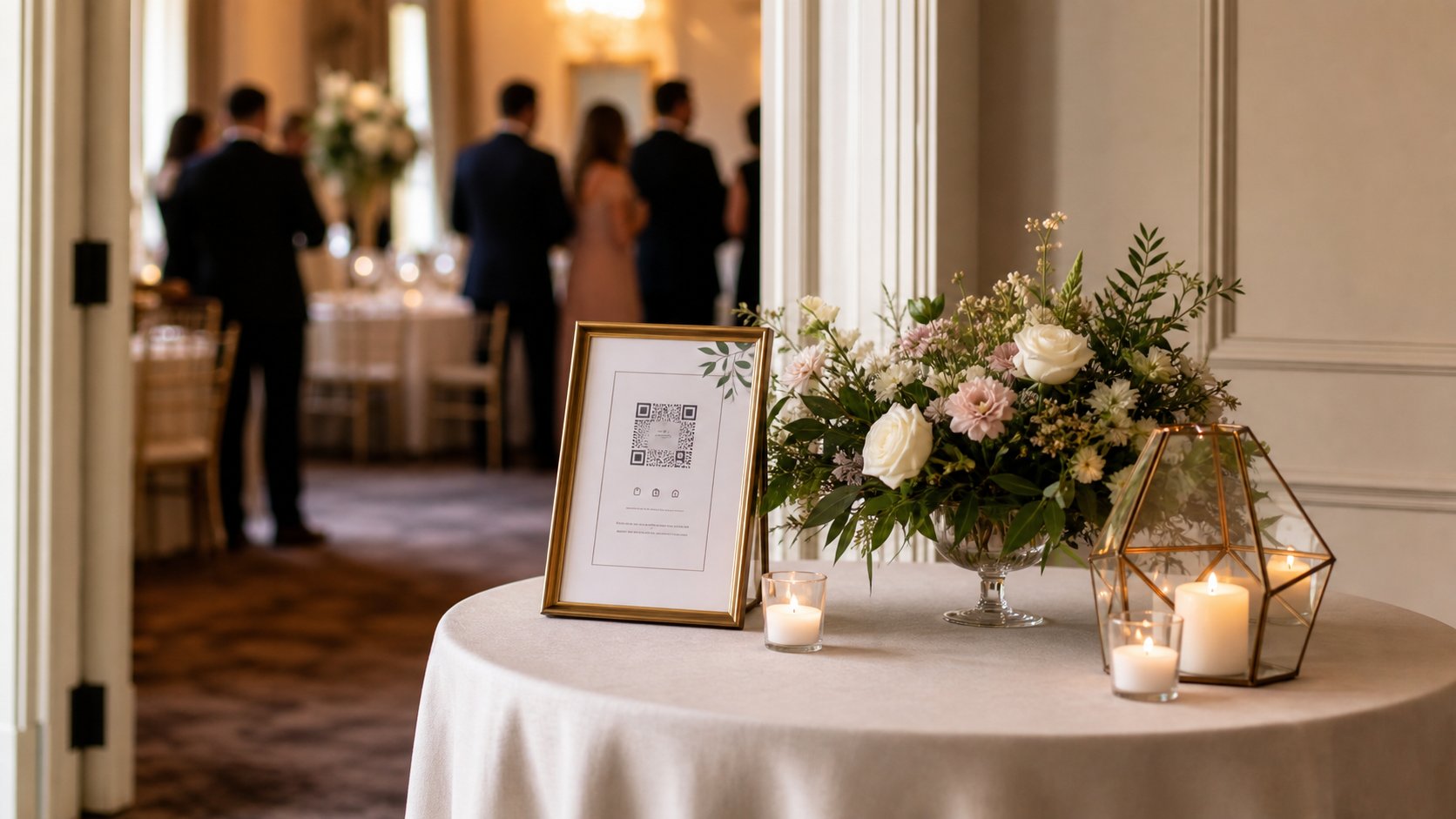
The right QR sign is not just pretty. It tells guests exactly what to do in one glance. Here is how to write, place, and test a wedding photo QR code sign that gets used.

QR codes are the easiest way to get guest participation, but only if the destination and signage are right. This guide covers placement, wording, and the mistakes that tank scan rates.

The best guest-photo system is the one people will use in the moment. Here is how to choose it, set it up, and avoid the mistakes that make couples miss half the night.
OnceRoll for weddings
OnceRoll gives you QR-based joining, a shared Roll, shot limits, and a reveal-later moment that turns guest photos into part of the event itself.