
Wedding Photo Sharing Checklist: A Simple Plan Guests Will Follow
Use this wedding photo sharing checklist to prepare your guest photo collection, write clear instructions, and collect more candid moments without chasing uploads later.
Event guestbook editorial team
Key takeaways
- Set up wedding photo sharing at least a few days ahead, test the guest path on a phone, and reuse one short invitation everywhere.
- Place a few reminders at natural moments — arrival, cocktail hour, near the dance floor — instead of relying on one sign.
- A good sign gives one action and one reason: share a photo from the day so the couple sees it from your point of view.
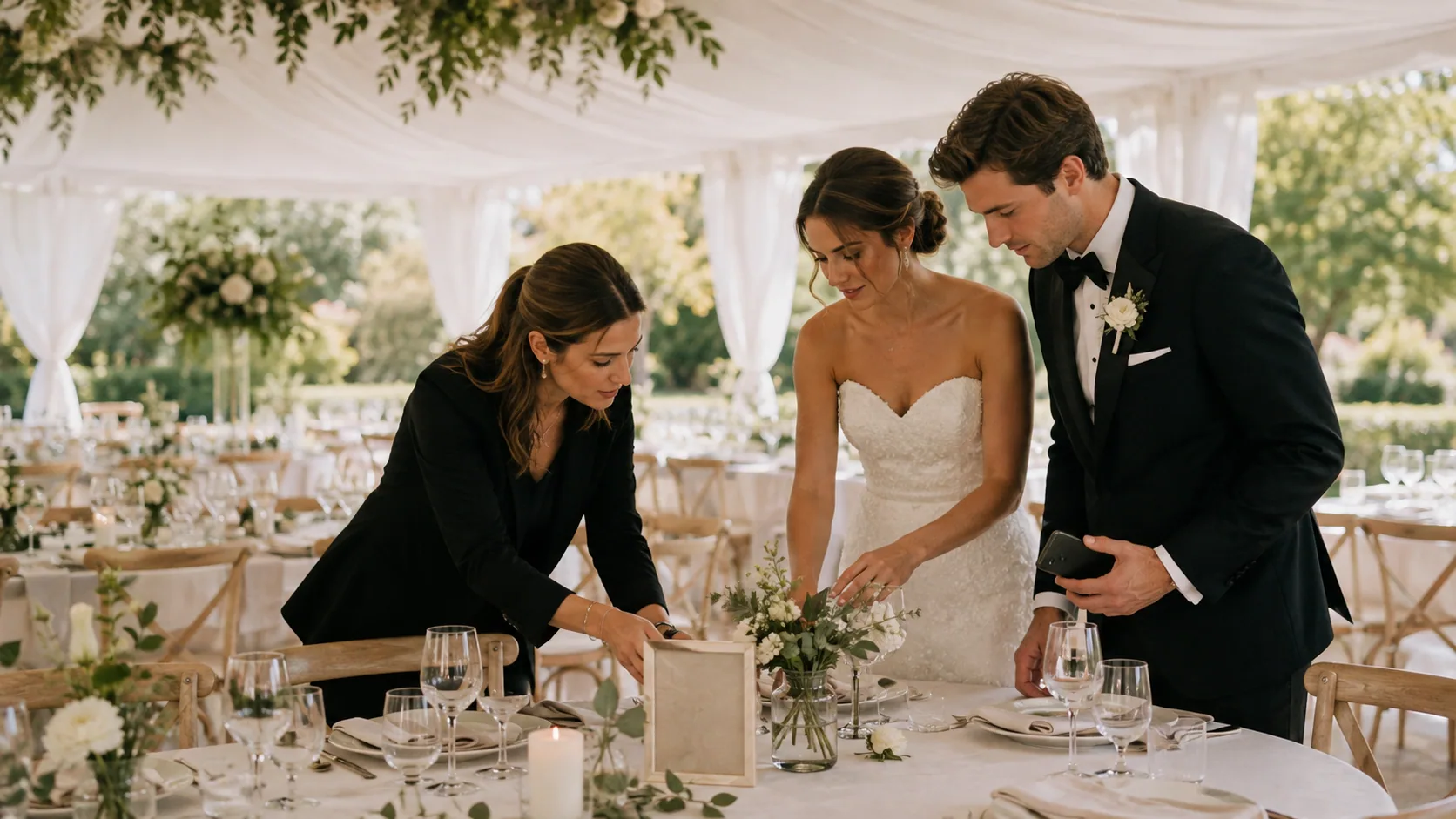
A wedding photo sharing checklist helps you collect candid guest photos without turning the reception into an upload task. The practical rule is simple: make one request, give guests one way to act, and repeat it at moments when they are already using their phones.
You do not need a complicated gallery strategy. You need a guest flow that takes seconds to understand and a way to keep the collection organized after the wedding.
Two weeks before: choose the goal
Start by deciding what counts as a useful contribution. “Upload every photo you take” is broad and easy to ignore. A more inviting goal might be:
- Share one candid moment we may not see.
- Add your favorite photo from the dance floor.
- Capture a table, a toast, or a reunion.
- Show us the wedding from your point of view.
If you want a disposable-camera feeling, give guests a photo limit or a photo challenge. If you want a complete open collection, make that clear too. Your choice should match the mood you want, not a feature checklist.
One week before: create and test the guest path
Create the photo collection and test it from a phone that is not the host’s device. Check these basics:
- The link or QR code opens quickly on a modern iPhone and Android browser.
- Guests understand whether they are taking a new photo, choosing one from their camera roll, or both.
- The host has decided whether photos appear immediately or are revealed later.
- You know who will help if an older relative wants to take part.
OnceRoll is designed for this kind of short guest flow: the host creates a Photo Guestbook from the iOS app, and guests can join from a phone browser without a guest account or app. The host can set shot limits and decide on a controlled reveal, which can help the final collection feel intentional rather than endless.
Three days before: prepare a clear invitation
Write one sentence you can reuse everywhere. Avoid vague phrases like “scan me.” Tell guests what the collection is for.
Take a photo from our day and add it here—we would love to see the moments from your point of view.
For more wording options, use this guide to wedding photo QR code sign wording. Keep the message short enough to read while someone is walking past.
On the day: place reminders where participation happens
One sign at the welcome table is rarely enough. Use the same invitation in places with different jobs:
- Arrival: A welcome sign lets early photos start coming in.
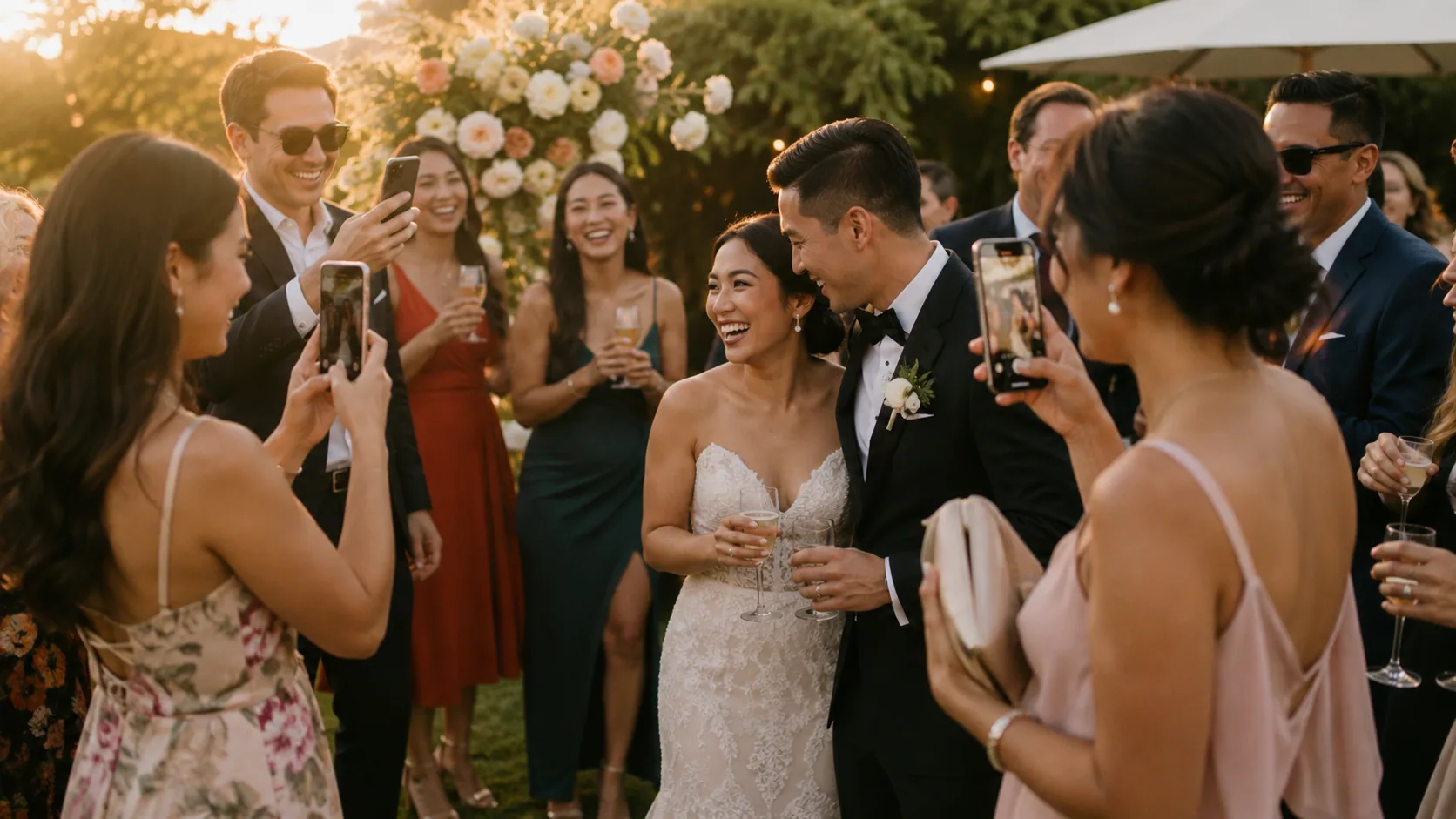
- Cocktail hour: Guests are already taking pictures and have a little breathing room.
- Reception tables: A small card gives people a reminder once they sit down.
- Dance floor or photo corner: This catches the most spontaneous part of the night.
Do not crowd every table with instructions. Two or three visible moments are more useful than a lot of tiny signs people stop seeing.
Ask for one human reminder
Signage makes participation possible; a quick spoken reminder makes it feel invited. Ask a wedding-party member, MC, DJ, or a friendly relative to say one sentence before dinner, after speeches, or when the dance floor opens. Keep the tone warm: this is an invitation to add to your memory, not an assignment.
If you are also collecting video, do not put both requests on the same sign. Give each format its own moment. Our guide to collecting wedding photos from guests explains why a focused request gets more natural contributions.
After the wedding: protect the memory
Set a reminder for yourself to look through the collection when you are not exhausted. Save a copy somewhere you will remember, pick a few favorites for an album, and enjoy the unexpected photos before you start sorting them. The most valuable images are often not technically perfect: a parent laughing during a toast, the view from a childhood friend’s table, or the tiny reunion you did not get to watch.
A simple host checklist
Before you leave for the venue, confirm that one person besides you knows where the invitation is and how to help a guest who has a question. Put the same short wording on every reminder, and carry one backup version in case a printed sign goes missing. If you are using a phone-based flow, bring a charged phone and a small power bank for the person helping guests; do not make the whole plan depend on the host finding a charger mid-reception.
During the event, look for a natural first moment rather than announcing the collection repeatedly. Once guests see a few people scanning and taking candid photos, the request becomes social proof. One clear reminder during cocktail hour and one near dancing is usually more than enough.
When you look through the images later, resist the urge to judge them like professional photographs. Sort a small favorites set first: a handful of faces, details, and moments that show the party from the inside. That small group is what makes the collection easy to revisit, while the full set remains there whenever you want a deeper look.
Common photo-sharing problems, solved simply
If nobody seems to be joining, check the invitation before assuming guests do not care. Is it obvious what the photos are for? Is the sign somewhere people pause? Has anyone mentioned it out loud? Often, moving one sign closer to cocktail hour or asking a friend to make the first contribution is enough.
If you receive a lot of very similar group photos, add a more specific prompt later in the night: “Share a moment after sunset,” “catch a laugh at your table,” or “show us your view from the dance floor.” This widens the range without asking people to start over.
If the collection feels too large, create a small favorites album after the wedding instead of trying to curate during the event. The best guest photos are a record of how the day felt, not a second version of your professional photography gallery.
Keep professional and guest photos in different roles
Your photographer is there to cover the important people and planned moments with care. Guest photos serve a different purpose: they catch the view from a cousin’s table, the hug happening behind you, and the dance-floor energy after formal coverage has ended. Tell guests this clearly so they do not feel pressure to replace professional photography. They are adding their own perspective to the record, which is exactly why the collection matters.
FAQ
When should I set up wedding photo sharing?
Set it up at least a few days before the wedding, then test the guest path on a phone and prepare the same short invitation for every sign or reminder.
How many wedding photo sharing signs do I need?
Use a few well-placed reminders at natural moments such as arrival, cocktail hour, and near the dance floor rather than relying on one sign.
What should a wedding photo sharing sign say?
Use one clear action and one reason: invite guests to share a photo from the day so the couple can see the celebration from their point of view.
Related reading
Keep building the rest of the workflow

Wedding Weekend Photo Sharing Without Five Different Albums
A wedding weekend creates more candid photos than the wedding day alone. Here is how to collect them without scattering everything across texts, albums, and forgotten links.
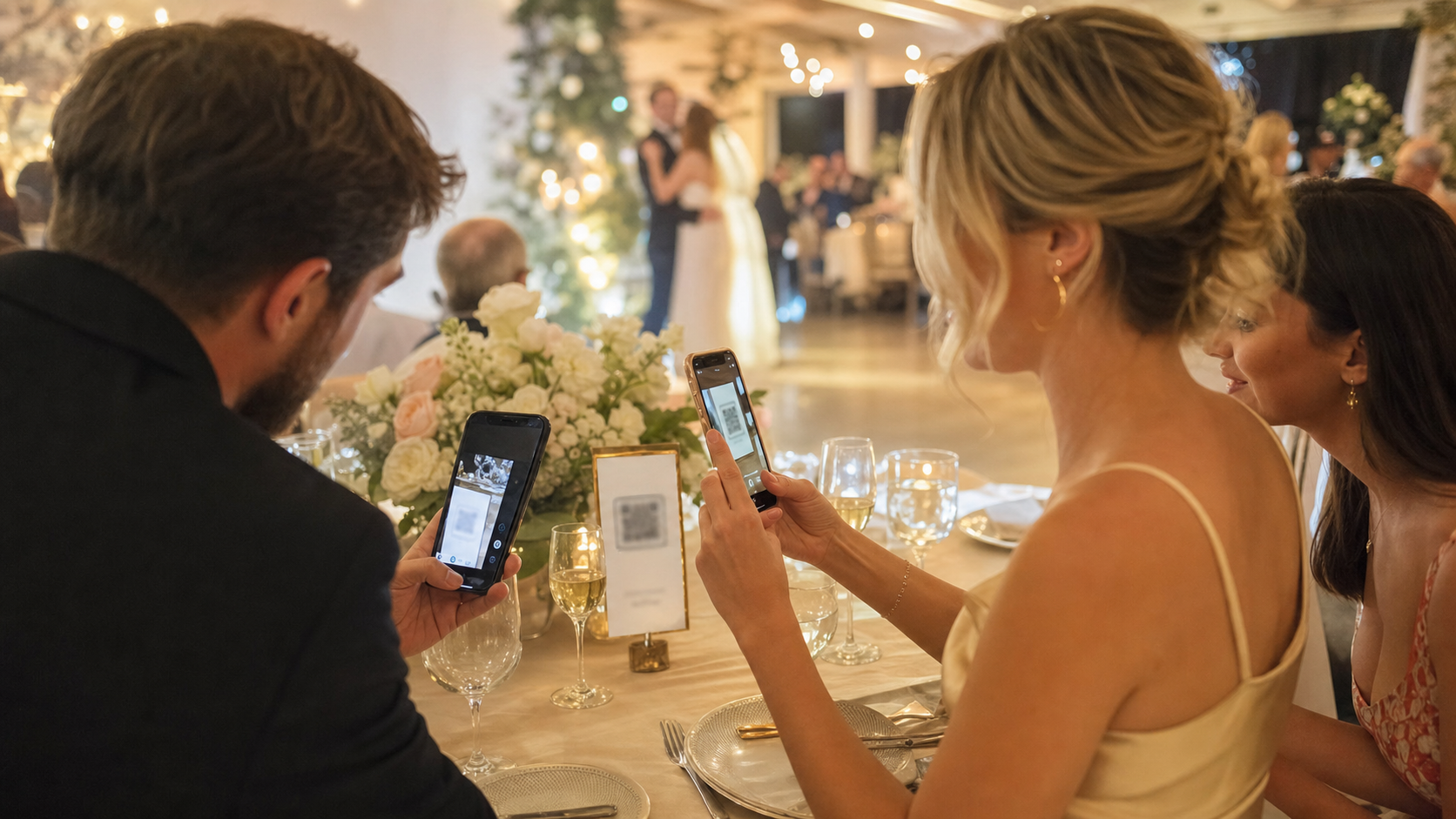
No App Wedding Photo Sharing: How to Get More Guests to Join
Guests are more likely to share wedding photos when the flow opens instantly. Here is how no app wedding photo sharing works and how to set it up without losing participation.
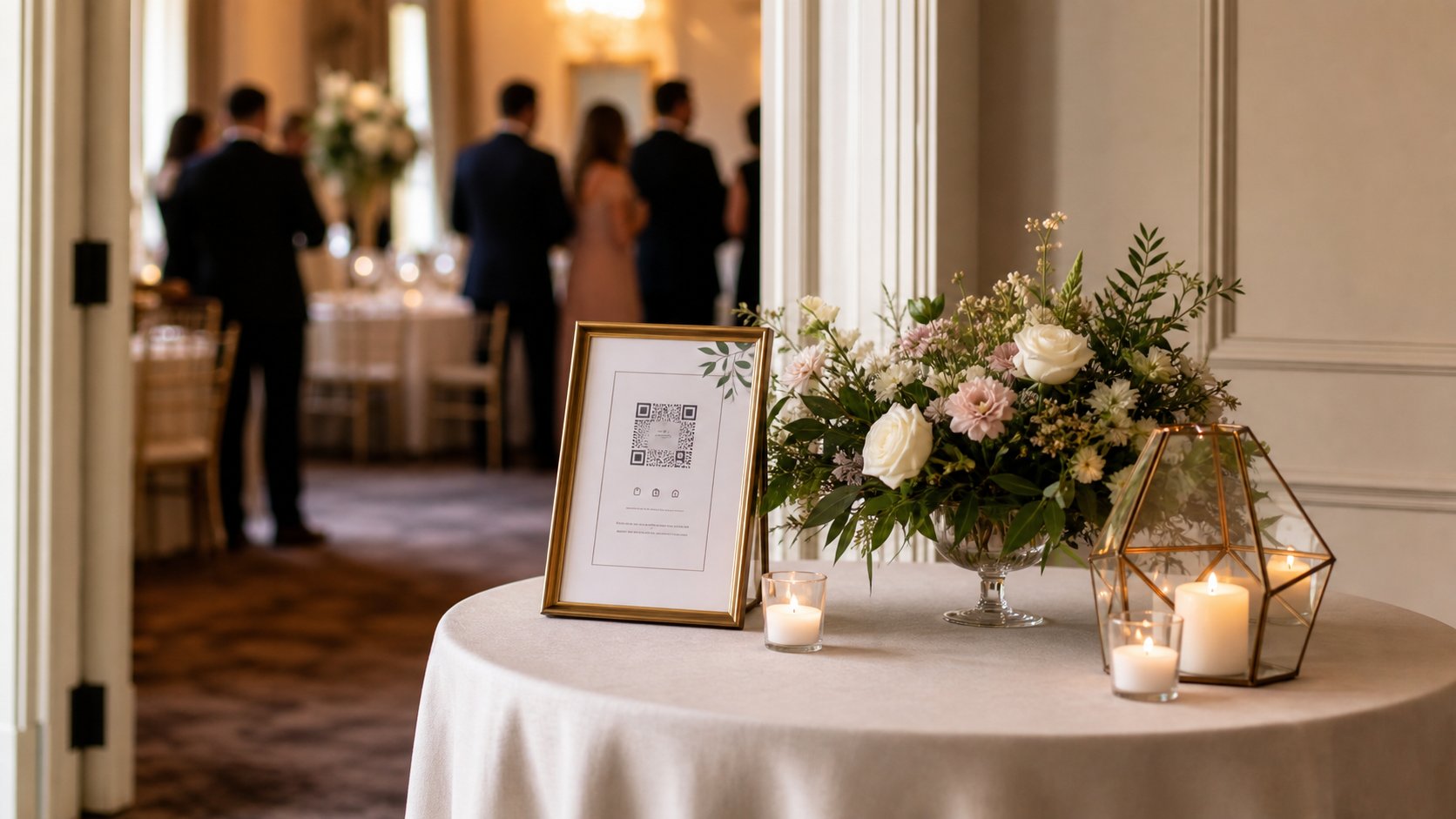
Wedding Photo QR Code Sign Wording That Guests Actually Follow
The right QR sign is not just pretty. It tells guests exactly what to do in one glance. Here is how to write, place, and test a wedding photo QR code sign that gets used.